
Product Demo AI Video Prompts: Turntables & Reveals
How to brief product demo clips in FLUX 3 Max using our tested sneaker turntable, frosted skincare jar reveal, and still perfume reference frame.
On this page6 sections
For clean AI product demo clips, keep the camera move slow, anchor the product on one uncluttered surface (a studio turntable or stone pedestal), and match the mode to your asset: use Text mode for generic studio spins, Image mode when you already have a hero packshot (like a perfume bottle), and First & Last Frame mode for lid reveals.
Three product video briefs compared
Whether you are prototyping a 5-second ecommerce clip (180 credits at 720p) or preparing an ad shot, choose the studio mode based on how strictly your product geometry must stay locked:
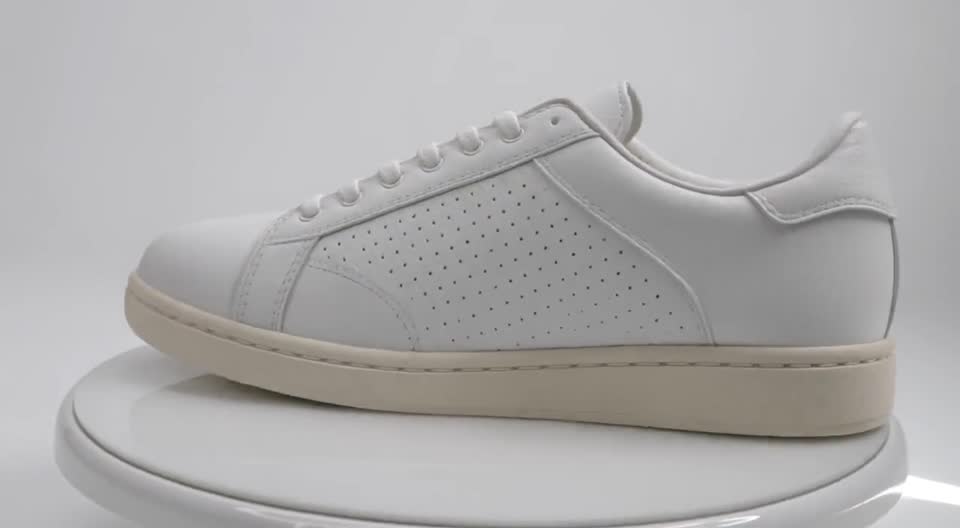
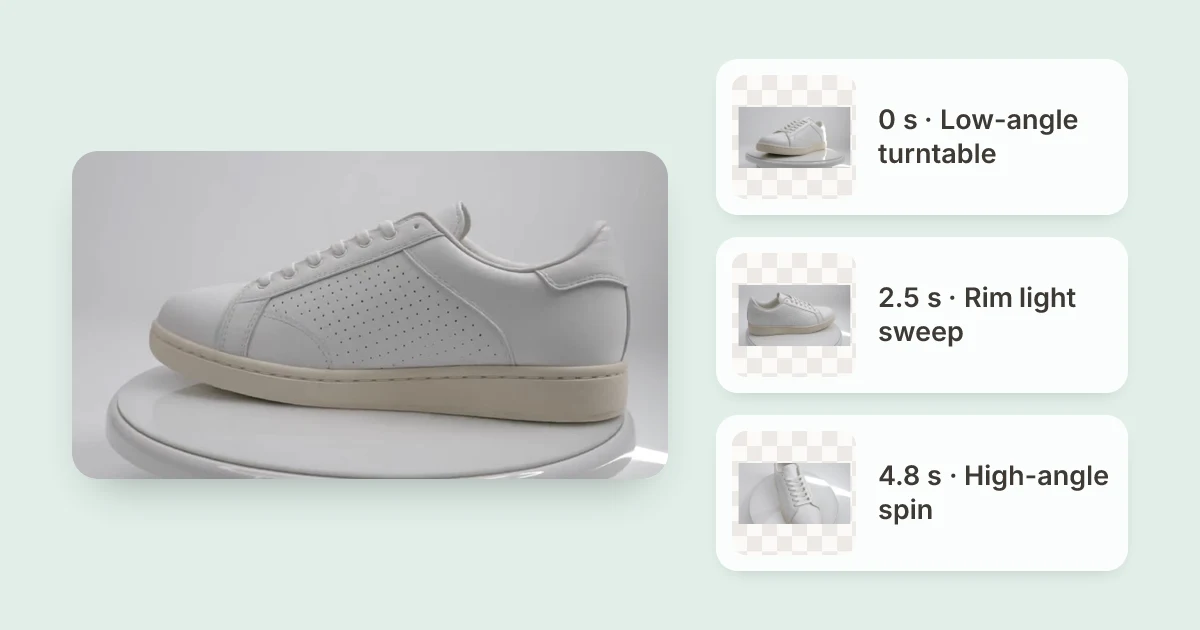
1. Studio turntable clip from text
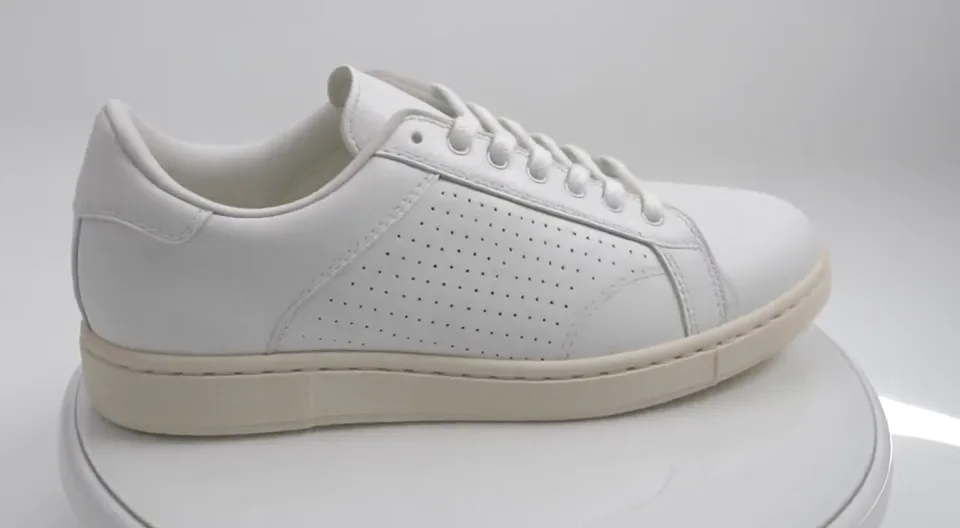
When you do not upload a product photo, FLUX 3 Max needs clear surface material, camera angle progression, and lighting physics so the object does not sit static.
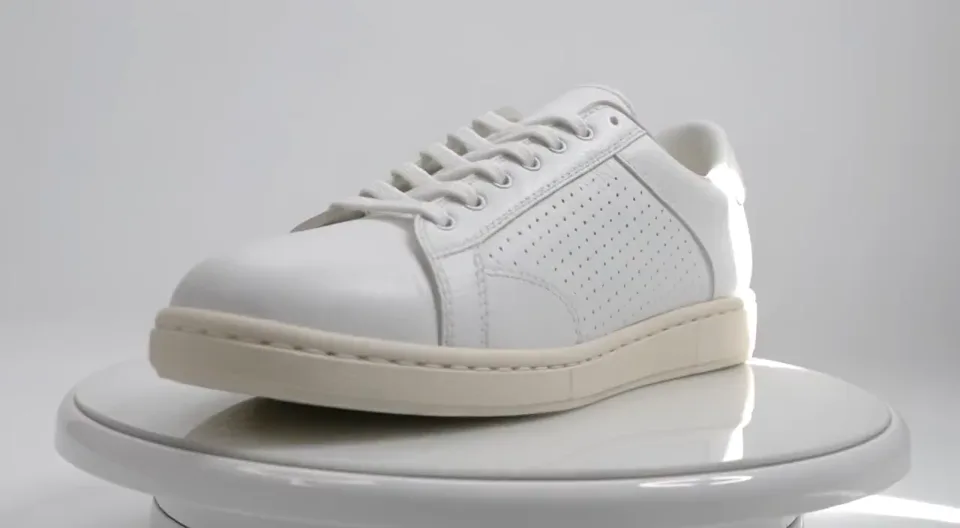
Exact prompt we kept (run 2, 5 s, 720p, 13 s wait):
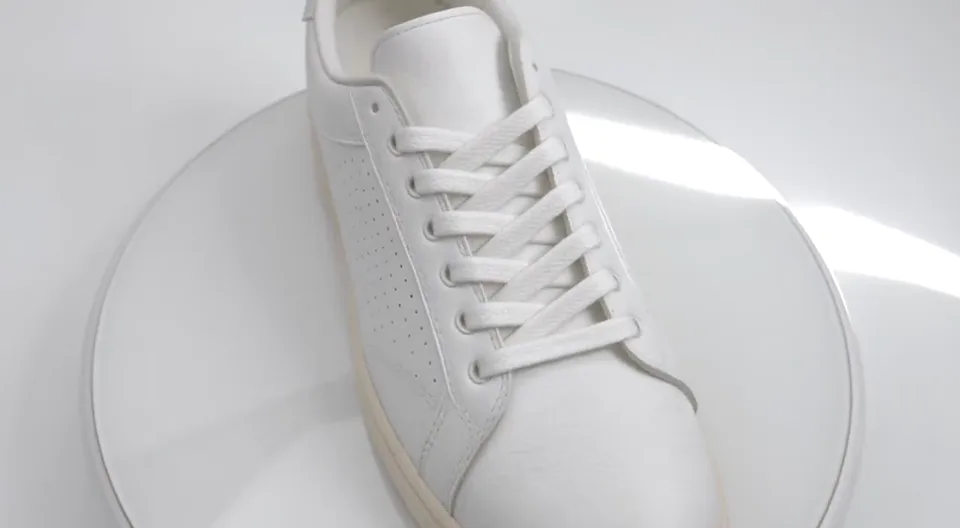
A white leather sneaker spins smoothly on a glossy white studio turntable while the camera orbits it from a low angle up to a high angle, a bright rim light sweeping across the leather and stitching. The whirr of the turntable motor, soft leather creaks and a light minimal electronic beat.
Notice why run 2 worked when run 1 failed: our initial sneaker prompt came back nearly static and silent. Adding simultaneous rotation (“spins smoothly”), camera movement (“orbits it from a low angle up to a high angle”), and tactile foley (“turntable motor, soft leather creaks”) gave both motion and audible rhythm.
2. Packaging unboxing from two matching frames
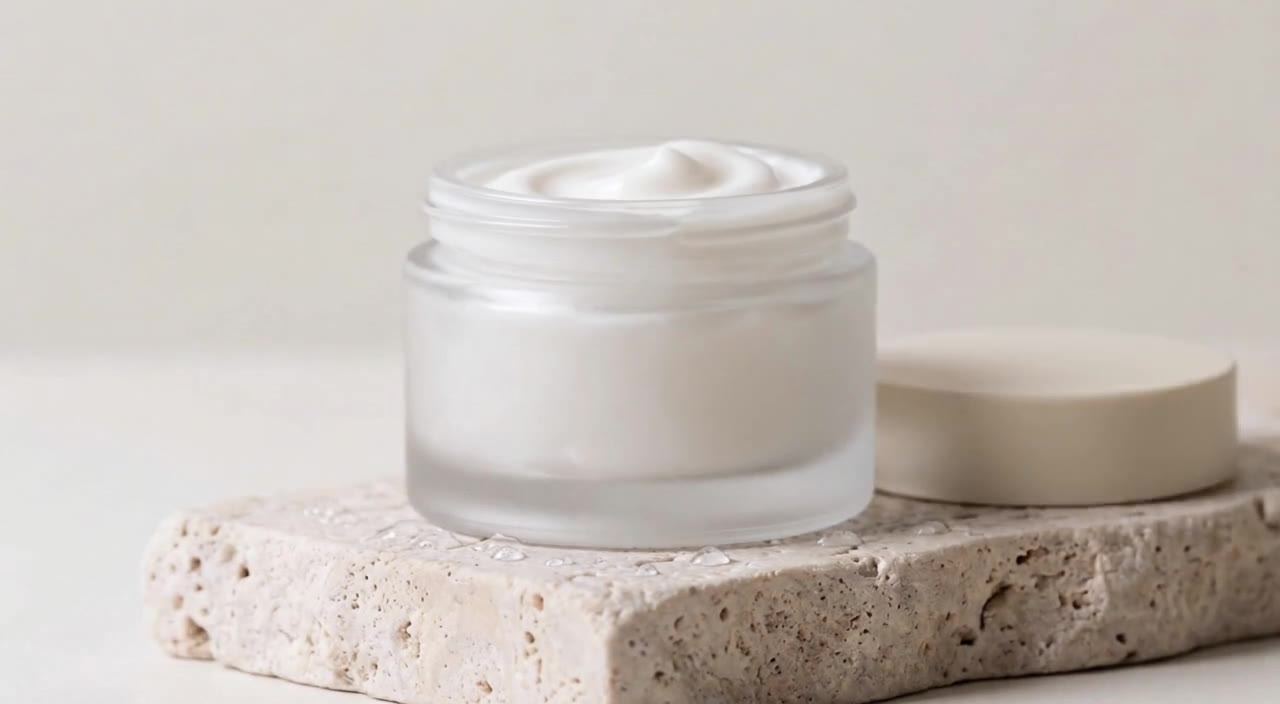
For real products or exact container shapes, start from images instead of text. In our frosted skincare unboxing test (5 s, 720p, 19 s wait), we uploaded the closed glass jar on a pale stone pedestal as the first frame and the open jar with the matte lid resting beside it as the last frame.
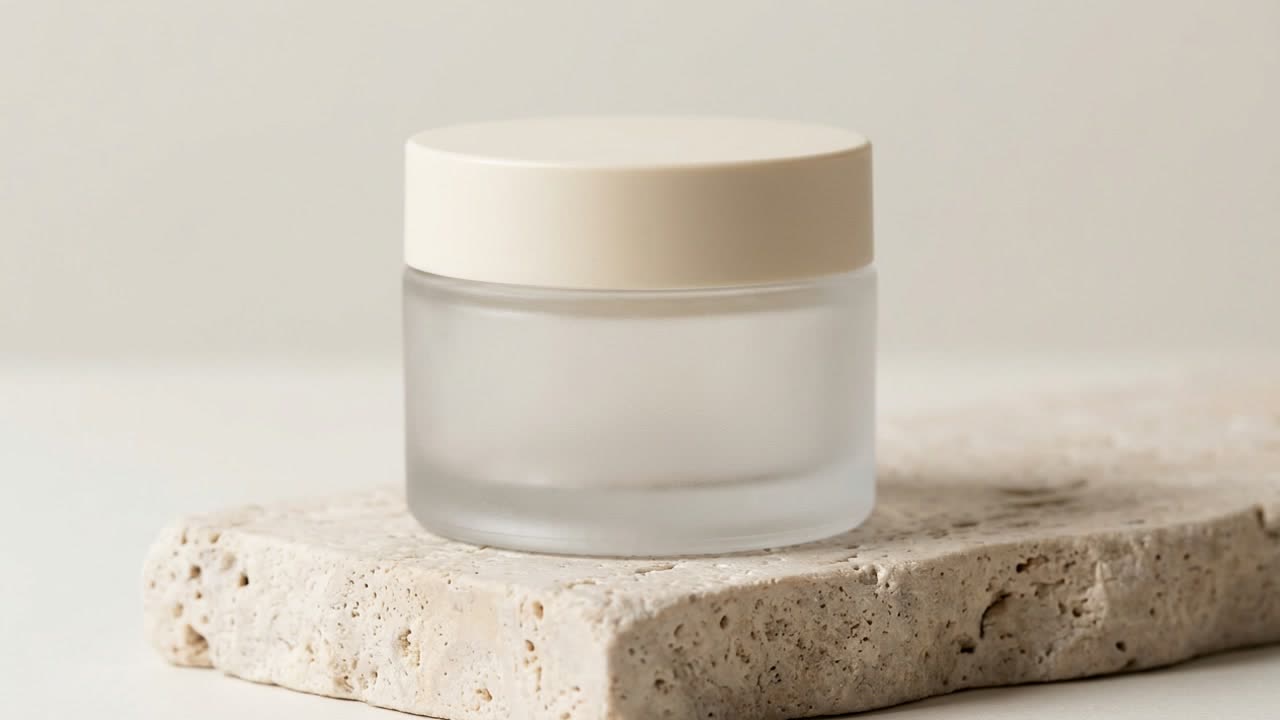 First frame: closed frosted skincare jar
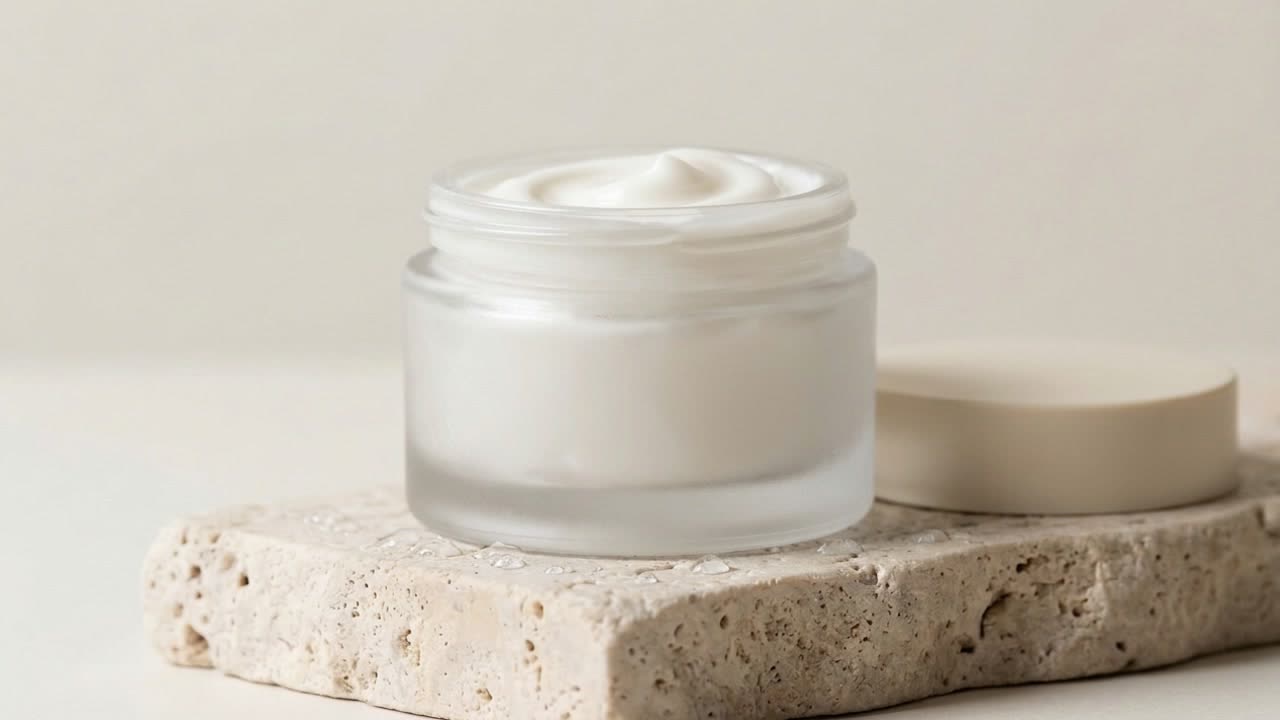 Last frame: open jar with lid on pedestal
Exact prompt we ran:
The lid twists and lifts gently away from the frosted-glass jar to rest beside it on the stone pedestal as studio light glints on the smooth swirl of cream, slow subtle push-in. Soft glass clink and a gentle airy tone.
For tips on editing your own first frame into a matching second frame, check how to make a matching last frame.
3. Preparing a single hero product frame
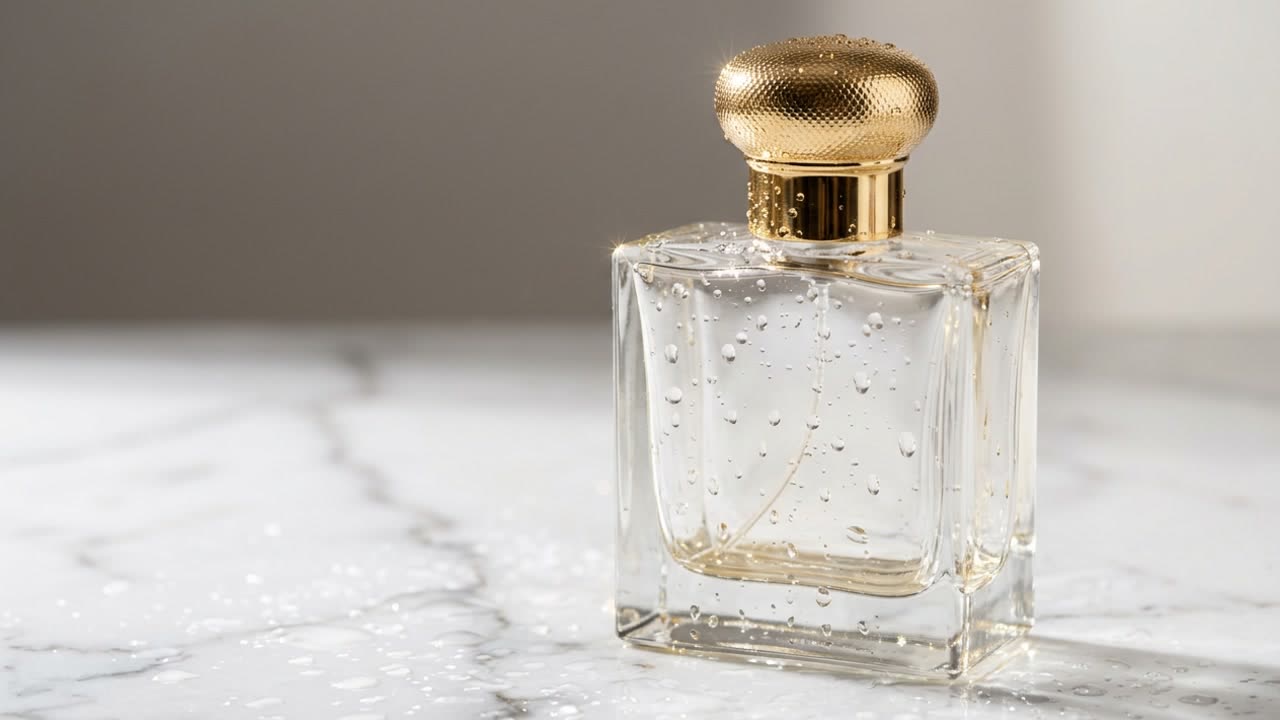
Look at why a composition like this perfume studio still is set up cleanly for Image mode:
- Generous negative space: Leaving room around the glass bottle gives a slow push-in or light sweep somewhere to move without clipping the cap.
- Uncluttered backdrop: Simple studio gradients avoid distracting background texture warping.
- Specific material cues: If we ran this frame, the prompt should focus on specular reflections moving across the glass, subtle mist or light rays, and crisp glass clinks rather than re-describing the bottle shape.
How to brief a product demo clip
- Pick the right mode for brand fidelityUse Text mode only for generic mood tests; use Image or First & Last Frame whenever an actual SKU label, bottle silhouette, or jar cap must stay recognizable.
- State the surface and light behaviorName a glossy white studio turntable, stone pedestal, or warm sunlight through glass so reflections look grounded.
- Choose one gentle camera moveSlow subtle push-ins, orbits, or locked-off macro shots keep edges sharp; fast whips soften typography and logos.
- Add mechanical or material foleyGlass clinks, turntable motors, leather creaks, or paper rustle sell physical weight (see AI video sound prompts).
Upload a clean packshot to Image mode, pair a closed-and-open shot in First & Last Frame, or load our sneaker turntable prompt at 720p.
FAQ
Can FLUX 3 Max keep my exact product photo unchanged while animating it?
In Image mode, the video begins directly on your uploaded JPEG, PNG, or WebP frame (up to 20 MB), keeping the product shape and lighting consistent at the start. Subtle camera push-ins or lighting sweeps preserve the product better than wide 360-degree spins from a single photo.
What resolution should I choose for product demos?
Draft at 720p (36 credits/s, 180 credits for 5 s) while testing camera motion and timing, then switch to 1080p (62 credits/s, 310 credits for 5 s) once the prompt works if you need a larger export file.
Can I animate a box or jar opening cleanly?
Yes. First & Last Frame mode worked reliably in our skincare jar unboxing test (5 s, 19 s wait): upload the closed package as the first frame and an edited image showing the lid resting beside the jar as the last frame.
Why did my first product turntable prompt have no sound or motion?
Static object descriptions without camera motion or specific sound cues often produce minimal movement and quiet audio. Add a clear camera orbit plus physical foley (such as motor whirr or glass clink).