
Vertical 9:16 AI Videos for TikTok, Reels & Shorts
Make 9:16 vertical AI videos with sound in FLUX 3 Max: 5 tested vertical clips, safe subject framing, Ratio Auto vs 9:16, and per-second cost.
On this page5 sections
To generate native 9:16 vertical videos for TikTok, Instagram Reels, or YouTube Shorts in FLUX 3 Max, select 9:16 in Ratio for Text mode, or leave Ratio on Auto in Image mode when your uploaded starting image is already vertical (704x1280 at 720p). Native 9:16 generation renders vertical composition directly instead of cropping a horizontal 16:9 shot down afterward.
Our 5 tested 9:16 vertical clips
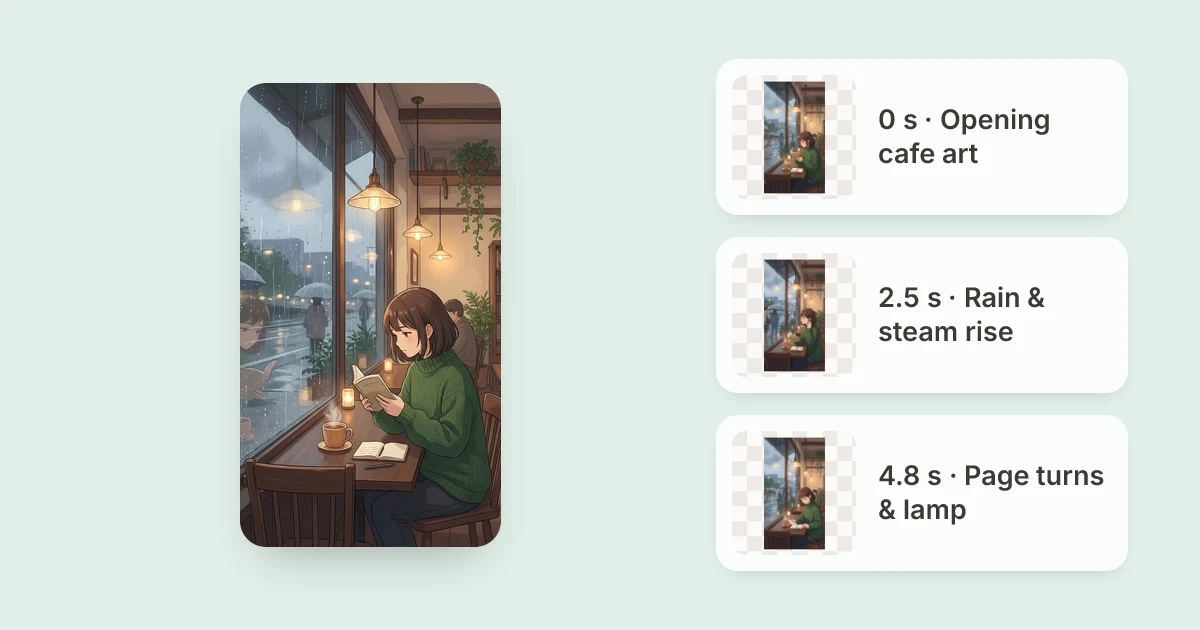
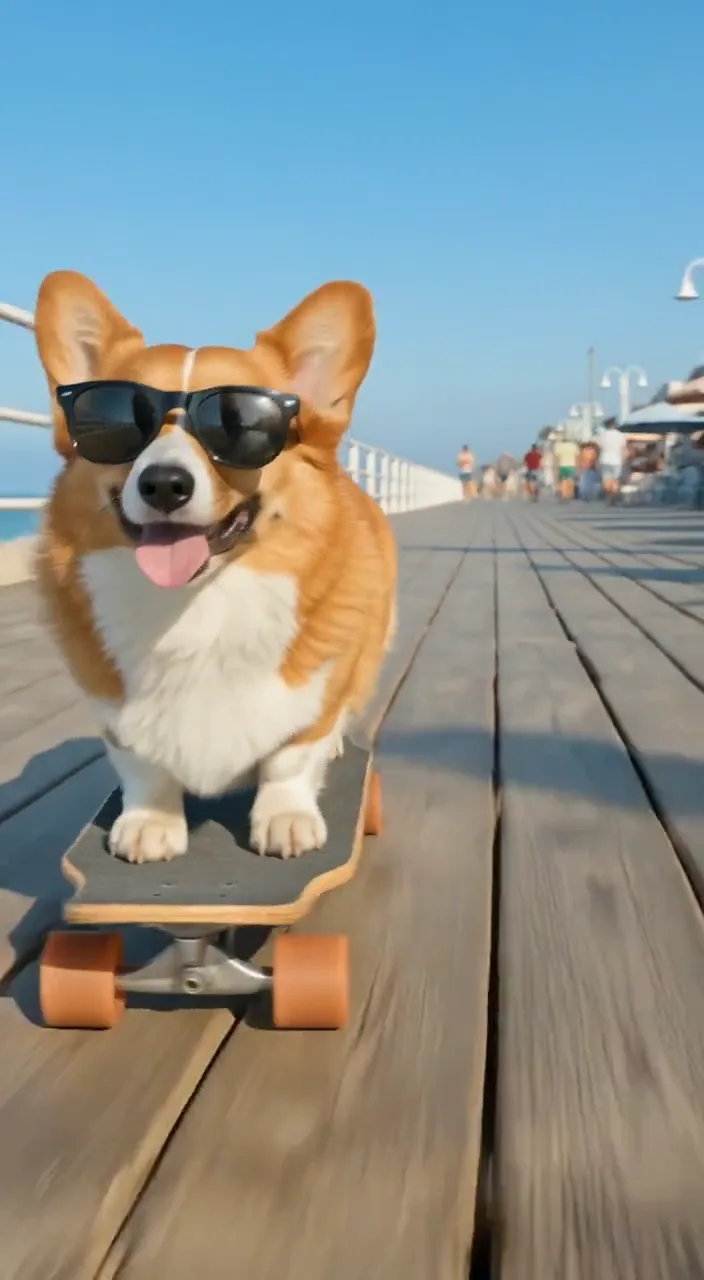
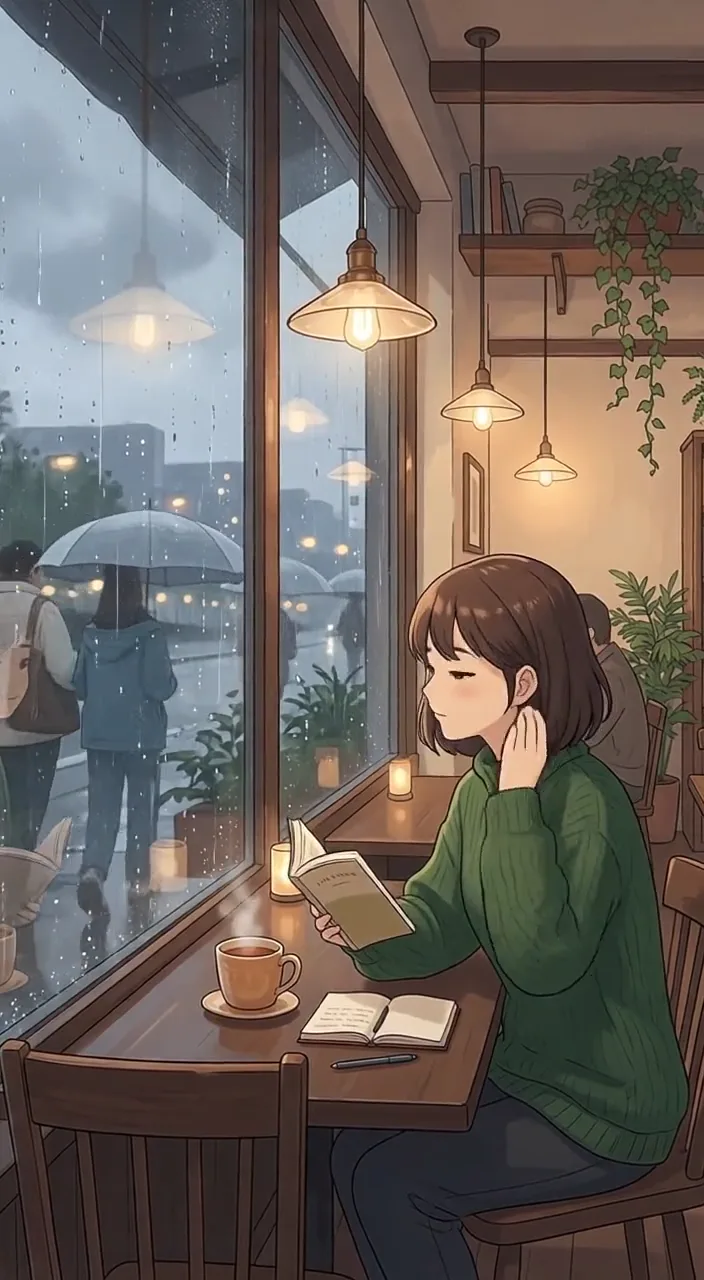
We generated five vertical clips across Text and Image modes (720p, sound enabled). All five came back at 704x1280 (24 fps H.264 + AAC) with zero horizontal cropping:
| Scene | Mode | Duration | Wait time | Credits | What worked vertically |
|---|---|---|---|---|---|
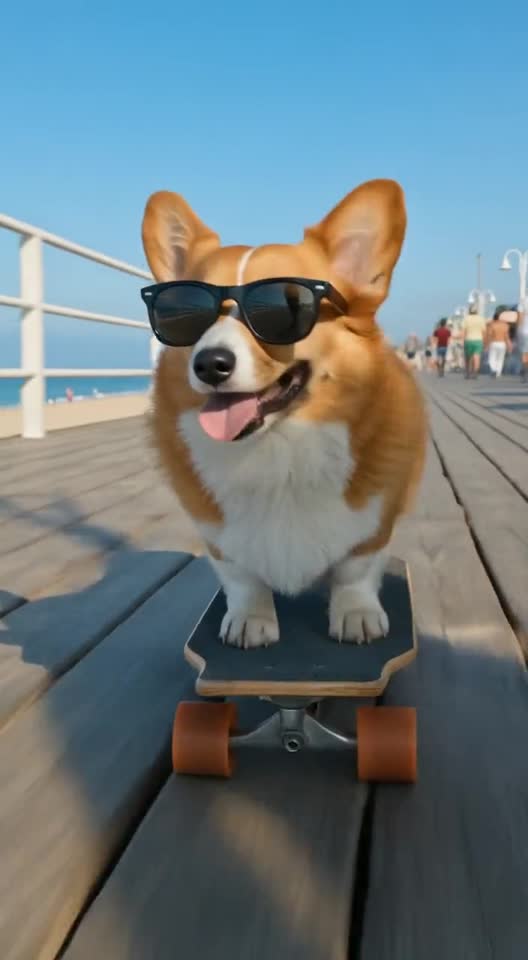
| Skateboarding corgi | Text | 5 s | 15 s | 180 | Low dog-level tracking down a sunny boardwalk with ukulele & wheels |
| Night street-food takoyaki | Text | 5 s | 20 s | 180 | Handheld street-vendor close-up with rising steam & sizzling sound |
| Rainy café window | Image | 5 s | 17 s | 180 | Vertical café illustration animated with window rain & lo-fi piano |
| Painterly holiday fox card | Image | 6 s | 24 s | 216 | Painted winter fox card with falling snow and visible warm breath |
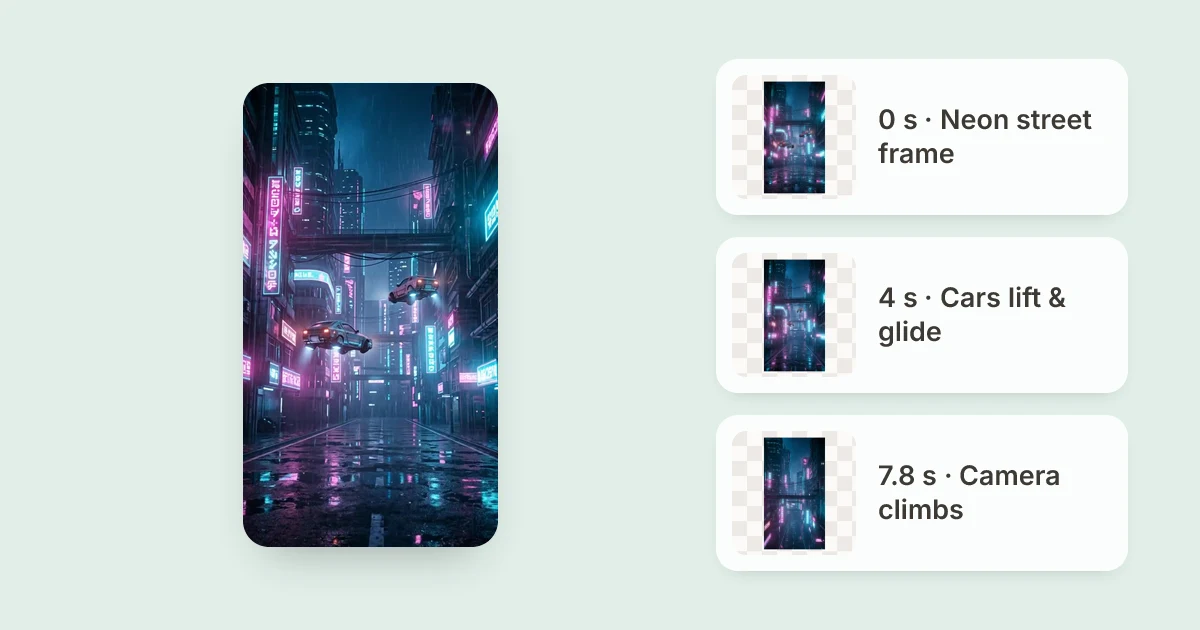
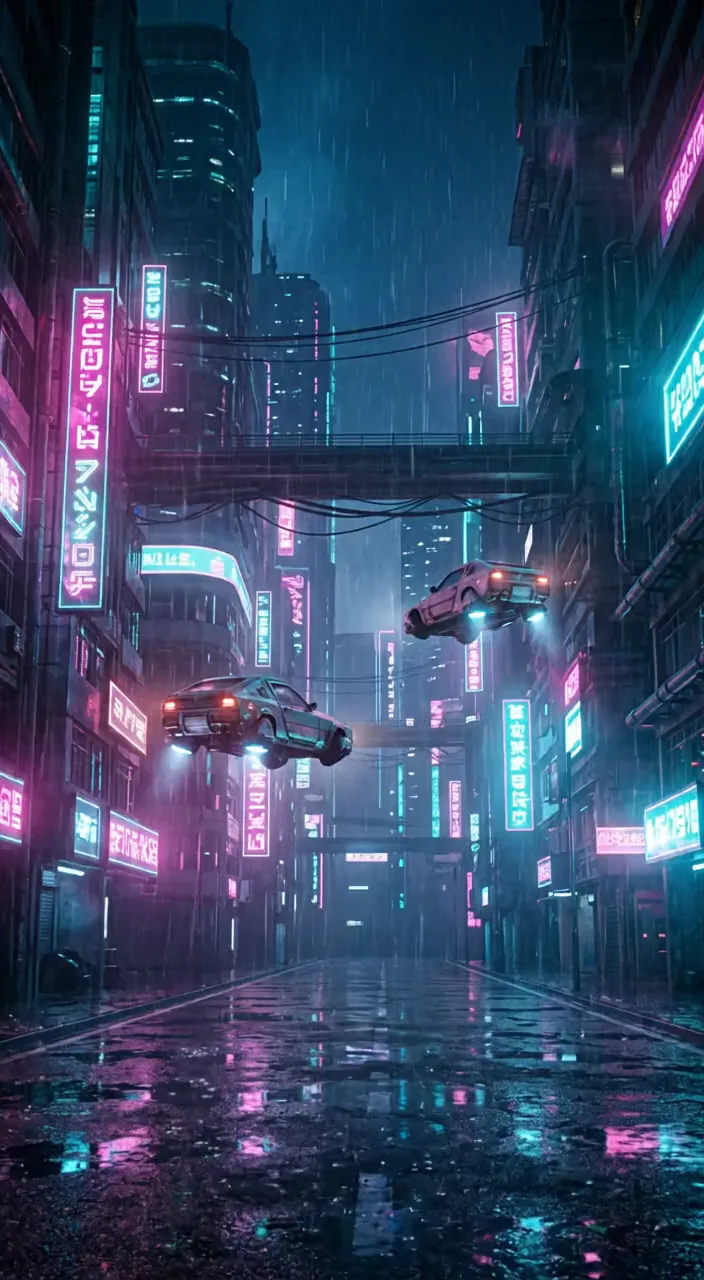
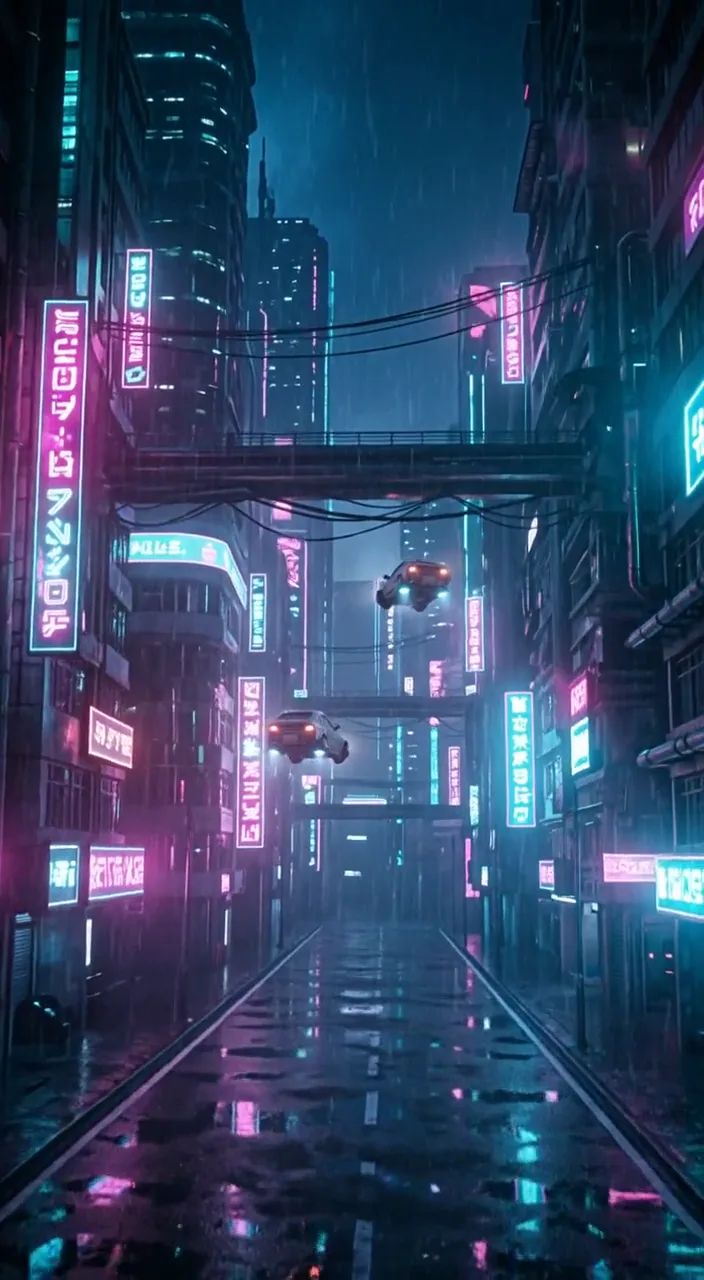
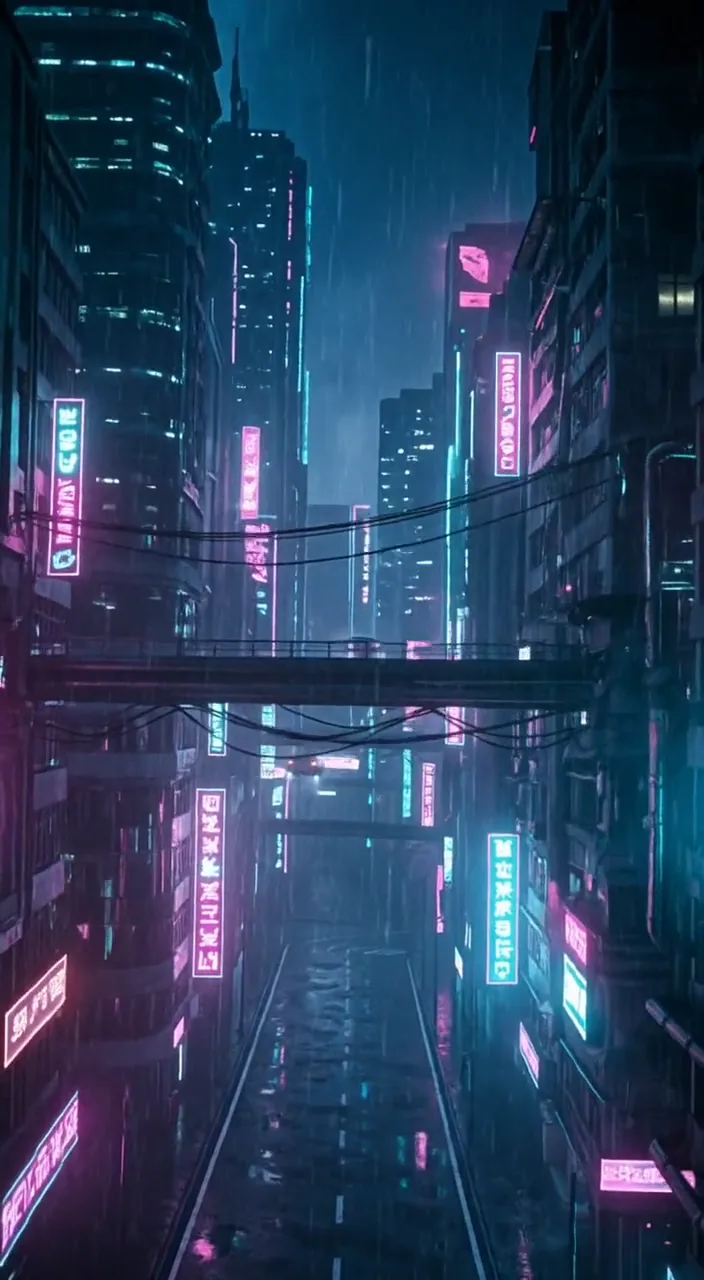
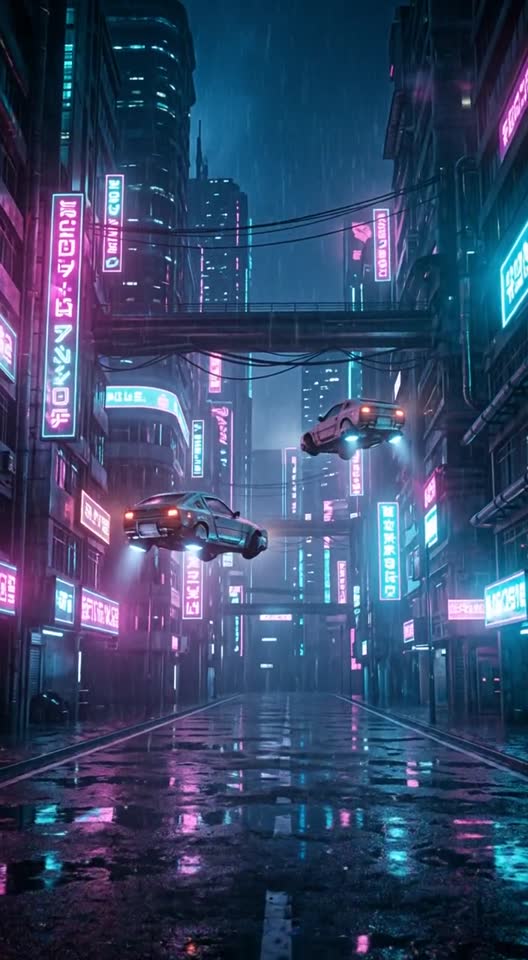
| Cyberpunk neon street | Image | 8 s | 37 s | 288 | Tall sci-fi street illustration with rising camera & distant sirens |

How Ratio works: 9:16 vs Auto
Understanding Ratio prevents accidental 16:9 horizontal outputs:
- In Text mode: Auto defaults to 16:9 widescreen. Always switch Ratio explicitly to 9:16 (or 3:4 for portrait feeds) before generating a vertical text-to-video clip.
- In Image & Keyframes mode: Auto follows the aspect ratio of your first image. If your uploaded street illustration is already 9:16, Auto produces a 9:16 clip automatically. If your first image is square or landscape and you want 9:16, pick 9:16 manually.
Safe framing for TikTok, Reels, and Shorts UI overlays
Social apps cover the outer edges of a 9:16 frame with captions, descriptions, share icons, and top search bars. When planning a shot or preparing a first frame, keep key motion away from the borders:
- Place faces, products, or hero action in the middle 60% vertical band
- Leave sky, ceiling, or foreground floor at top and bottom for platform UI overlays
- Use slow vertical camera travel (“camera rises slowly”, as in our neon street test) instead of fast sideways whips
- Keep clips 5 to 8 seconds (180-288 credits) for punchy social hooks
- Putting important hands or products right at the bottom 20% where captions sit
- Fast horizontal pans in narrow 9:16 frames (subjects slice out of frame quickly)
- Uploading a wide 16:9 photo and expecting Ratio: Auto to output 9:16
Look at how the wet cyberpunk street scene develops: the street recedes upward into tall buildings, giving the flying cars open vertical lane space to lift off while the camera climbs smoothly over the rain puddles.
Short-form sound choices
Remember that TikTok and Reels users often swap or layer trending audio, while YouTube Shorts frequently keep native clip audio. Use our sound prompt guide to match your editing plan:
- Keep Sound on when environmental foley carries the hook (“Sizzling, clinking tools and crowd chatter.” on our takoyaki clip, or “Wheels clattering and an upbeat ukulele tune.” on our corgi clip).
- Switch Sound off in settings when you know you will record a voiceover or drop a licensed music track in your editor.
Pick 9:16 in Ratio (or upload a 9:16 first frame), load our corgi skateboard or street-food prompt, and download the vertical MP4.

FAQ
Does 9:16 vertical video cost more credits than 16:9?
No. Credits depend strictly on clip length and resolution (36 credits/s at 720p and 62 credits/s at 1080p), regardless of whether you choose 9:16, 16:9, or 1:1.
What is the actual pixel size of a 9:16 720p FLUX 3 Max video?
Across all five of our vertical 720p clips, the encoded MP4 output is 704x1280 pixels at 24 fps.
Why did my Image-mode clip come out horizontal when I wanted 9:16?
When Ratio is left on Auto, Image mode matches the shape of your first uploaded image. Either crop or generate your starting photo in 9:16 first, or manually select 9:16 in the Ratio selector.
Can I make a 15 or 20 second vertical TikTok clip in one go?
Yes. FLUX 3 Max supports any whole duration from 5 to 20 seconds in 9:16 (540 credits for 15 s at 720p, or 720 credits for 20 s at 720p), though 5 to 8 second takes are faster to iterate and easier to edit into multi-cut Reels.