
AI Video Sound Prompts: Ambience, SFX, Music, Silence
How to prompt generated sound in AI video: what worked for loud SFX and room tone, why one clip measured -44.4 dB, and when to switch Sound off.
On this page4 sections
FLUX 3 Max generates audio (AAC inside the MP4) in the same pass as the video when Sound is enabled, so you should write sound cues explicitly as a short closing sentence naming foreground SFX, room ambience, or music. Across our tested clips, clear sound effects like sizzling oil or crunching snow came back crisp, while vague or quiet park cues measured as low as -44.4 dB mean volume.
How FLUX 3 Max handles audio under the hood
Sound is enabled by default across Text, Image, First & Last Frame, and Keyframes modes, and adds zero extra credit cost (36 credits/s at 720p, 62 credits/s at 1080p whether Sound is on or off). On the web, Flux3Max.io re-encodes fal’s MP4 clips for playback with H.264 video and 64 kbit/s AAC audio.
Because picture and audio are synthesized together in one pass, sounds land synced to visible events - a sizzling pan as butter melts in our ribeye clip, sleigh hooves and bells over the moonlit town, or milk pouring into espresso - rather than pasted in as an unrelated stock track.
Four audio categories and what our tests showed

1. Foreground SFX: name the loudest physical event
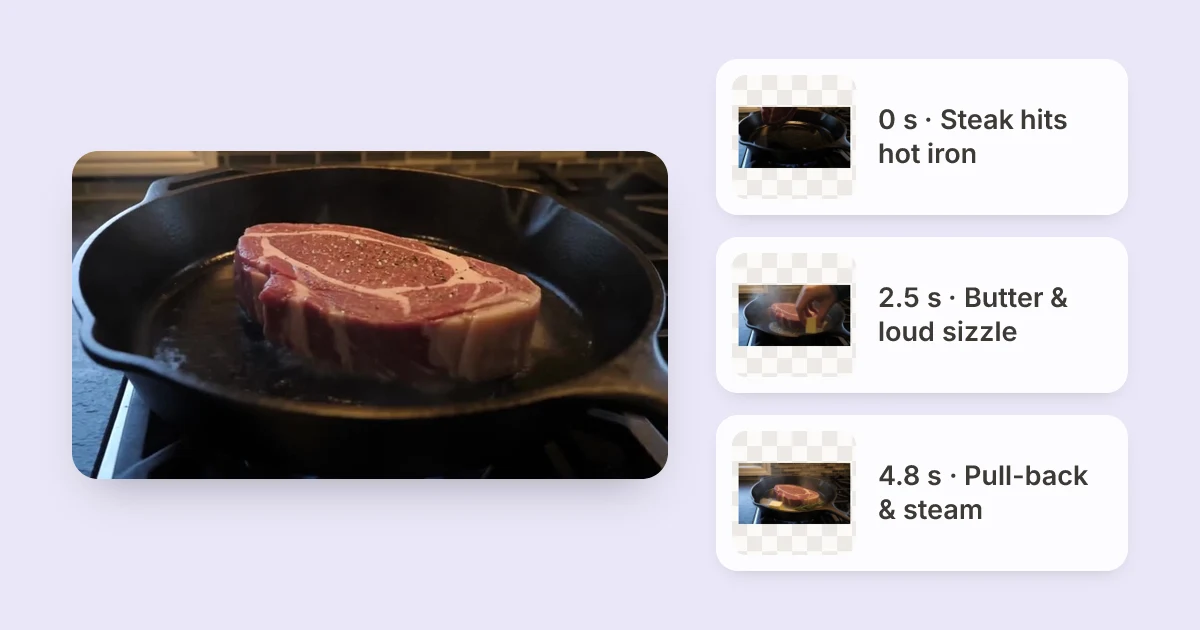
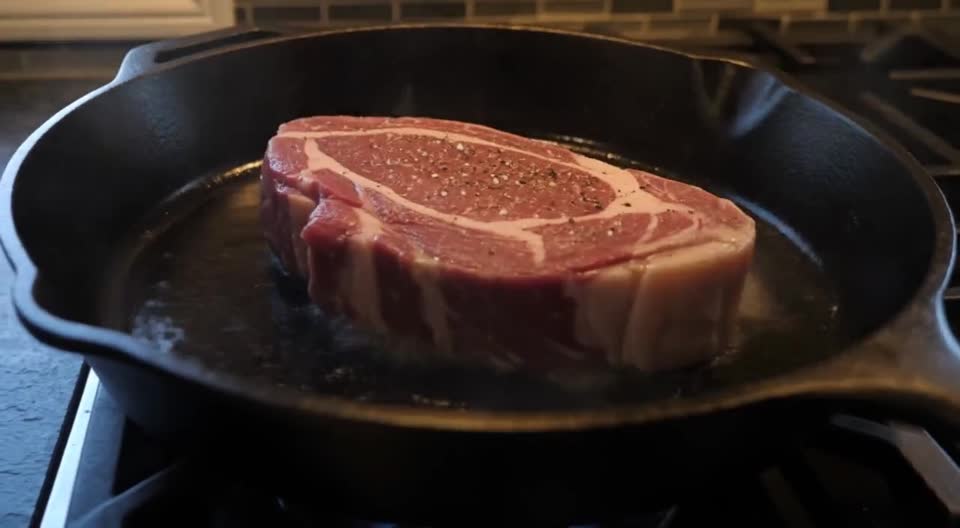
Our sizzling ribeye clip (5 s, 720p, 17 s wait) opens with a steak landing in a smoking cast-iron skillet and butter melting over rosemary. Closing the prompt with “Loud, crisp sizzling.” matched the visual smoke immediately.
Similarly, in our sketch-to-watercolor lighthouse run (6 s, 720p, 26 s wait), naming specific tactile foley (“Crisp audible watercolor brush strokes swishing across textured paper, a brush tapping a ceramic water cup, and gentle acoustic guitar.”) kept the brush-on-paper sound clear instead of burying it under music.
2. Why subtle sound cues can come back near-silent (-44.4 dB & silent rerun)
Two real failures from our library show what happens when audio cues are either missing or too soft:
- First sneaker turntable take (silent audio): Our first sneaker prompt focused only on the shoe and lighting. Even with Sound toggled on, the returned file had a silent audio track. On run 2 (13 s wait), adding “The whirr of the turntable motor, soft leather creaks and a light minimal electronic beat.” produced audible synced sound.
- Park portrait wave (-44.4 dB mean): Our park wave clip ended with “Park ambience, singing birds and distant muffled kids.” All three cues are inherently quiet, and the resulting clip measured -44.4 dB mean audio level - technically present, but barely audible at normal phone volume.
3. Ambience and time-shifting soundscapes
On 8 to 20 second clips, audio can transition alongside the lighting. Both our 10-second first-and-last-frame waterfront skyline clip (28 s wait) and our 3-keyframe sunset skyline clip (115 s wait) describe a sound arc that shifts across the shot:
- Two-frame day-to-night skyline: “A low city hum that turns into night crickets.”
- Three-keyframe sunset skyline: “A low city hum that fades into evening traffic and night crickets.”
Notice that each sentence stays short and uses distinct acoustic markers (city hum -> evening traffic -> night crickets).
4. When to toggle Sound off completely
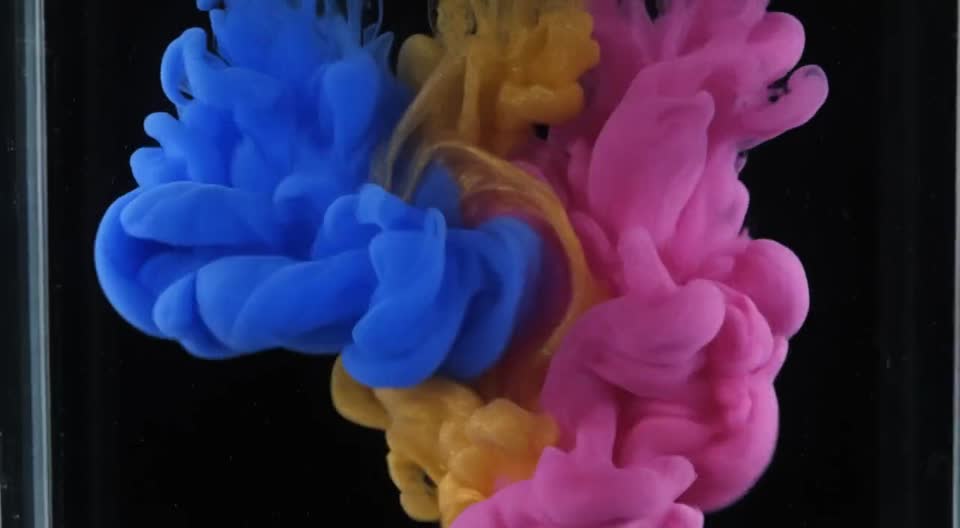
Do not waste prompt words asking for “complete silence” if you already plan to add voiceover, branded music, or trending TikTok audio in post-production. Switch Sound off in settings before pressing Generate, just as we did on our abstract ink-in-water clip (5 s, 720p, 10 s wait - our fastest 5-second run).
Quick sound-prompt patterns you can copy
| Scene type | What to put in the final sentence | Tested example from our library |
|---|---|---|
| Food & kitchen | Dominant cooking sound + utensil clink | “Sizzling, clinking tools and crowd chatter.” (street-food takoyaki clip) |
| Product turntable | Mechanical motor + material texture + subtle beat | “The whirr of the turntable motor, soft leather creaks and a light minimal electronic beat.” (sneaker run 2) |
| Nature & outdoor | Weather/footstep texture + one animal/bird cue | “Snow crunching under its paws and a light wind in the branches.” (snow fox clip) |
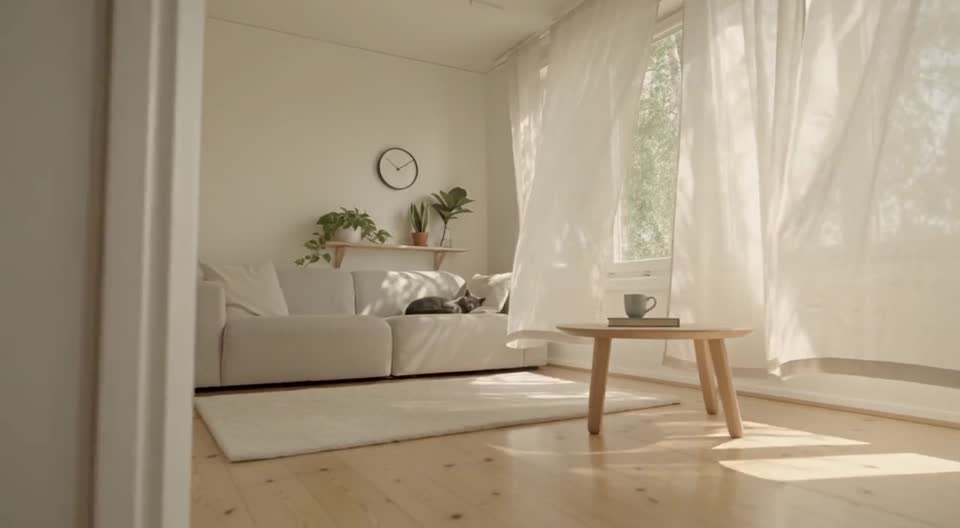
| Cozy interior | Room tone + rhythmic prop + distant weather | “Crackling fire, a ticking clock and faint carols from another room.” (stone hearth clip) |
| Vertical social music | Upbeat instrument + movement foley | “Wheels clattering and an upbeat ukulele tune.” (skateboarding corgi clip) |
For a full walkthrough of how sound fits into the four-part prompt framework, see FLUX 3 Max prompt structure, or explore all 30 clips with audio on the prompts gallery.
Load our sizzling steak, snowy fox, or watercolor sketch prompt and hear how changing the final audio sentence alters the clip.


FAQ
Does turning Sound on cost more credits on FLUX 3 Max?
No. Credits depend strictly on clip duration and resolution (36 credits/s at 720p and 62 credits/s at 1080p). Sound is included at no extra cost and is enabled by default.
Why did my FLUX 3 Max video have very quiet or silent audio?
If your prompt omits sound descriptions or only mentions quiet cues like “distant” or “muffled” ambience, the audio track can return near-silent (one of our park runs measured -44.4 dB mean, and our first sneaker run returned silent). Name one clear foreground sound effect or music cue to fix this.
Can FLUX 3 Max generate background music and sound effects together?
Yes. Combining one physical sound effect with a light musical cue (such as rain on glass plus lo-fi piano in our café animation, or wheels clattering plus an upbeat ukulele tune in our corgi clip) worked reliably in our runs.
Should I write “no audio” in the prompt or use the Sound toggle?
Always switch Sound off in settings when you want a silent clip, rather than writing “no audio” inside a prompt with audio still enabled.