
FLUX 3 Max Prompt Structure: Why Reruns Worked Better
Break down FLUX 3 Max prompts into subject, motion, camera, and sound - comparing our kept runs against the earlier takes that needed a rerun.
On this page4 sections
A reliable FLUX 3 Max prompt needs 1 to 3 concrete sentences covering four parts: subject and setting, specific motions, camera path, and audible sound. Because the model expands prompts internally by default, stacking vague quality adjectives helps far less than naming exact physical actions and salient sounds.
The 4-part prompt structure behind our 30 library clips
Across the 30 finished clips in our examples library, almost every kept prompt follows one clean sentence pattern:
- Subject & lightName what is in the frame and its lighting (e.g., rim light, golden hour, dawn).
- Concrete motionList 2 to 4 visible actions in time order instead of vague adjectives.
- Camera moveSpecify one clear path (slow dolly, orbit, tracking shot, or locked-off).
- Audible soundClose with a short sentence naming foreground SFX, ambience, or music.
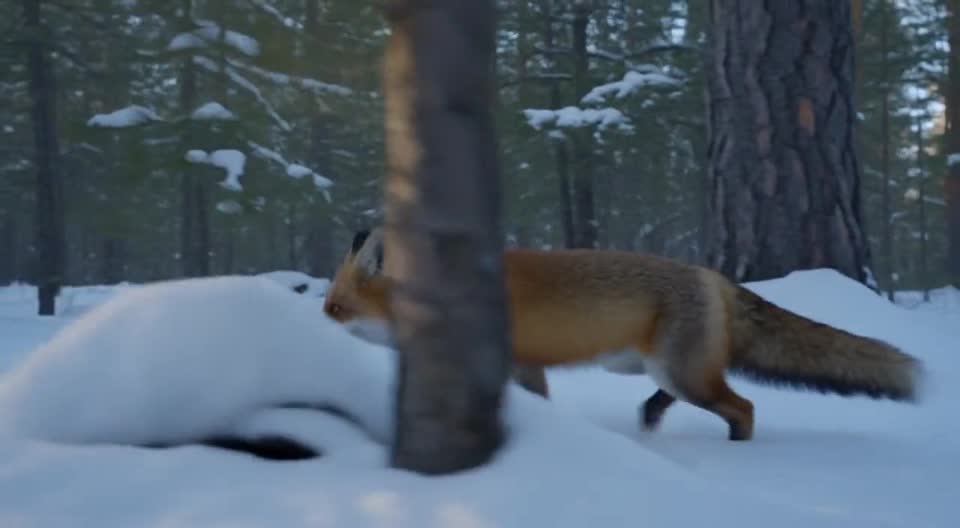
Look at how clean that structure is in our snow fox clip (5 s, 720p, 18 s wait):
A red fox trots through fresh powder snow between pine trees, its breath visible in the cold air, the camera tracks alongside at ground level. Snow crunching under its paws and a light wind in the branches.
Sentence 1 gives the subject (red fox), environment (fresh powder snow between pine trees), small detail (breath visible in the cold air), and camera (“tracks alongside at ground level”). Sentence 2 gives two unmistakable sounds (snow crunching under its paws and a light wind in the branches).
Kept prompts vs takes that needed a rerun
Not every first prompt came back usable. Two clips documented on our FLUX 3 Max prompts page (our studio sneaker turntable and our rainy café illustration) required a second run after the initial attempt fell flat, and one calm landscape test (a lavender field with a windmill) stayed gentle even after a long prompt.
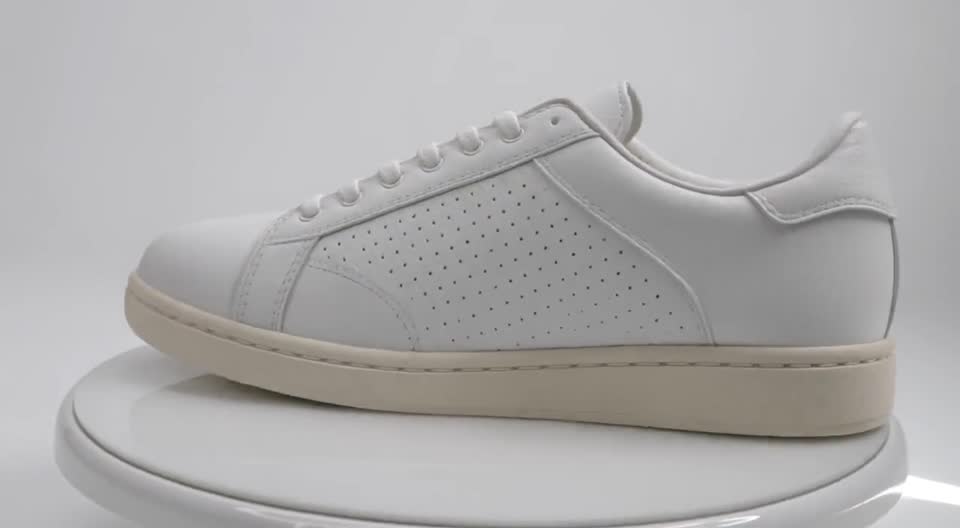
1. Product turn: vague loop vs named motion + beat
- What failed on run 1: Our first run came back almost completely still, and its audio track was silent even though Sound was switched on.
- What changed on run 2 (kept, 5 s, 720p, 13 s wait):
A white leather sneaker spins smoothly on a glossy white studio turntable while the camera orbits it from a low angle up to a high angle, a bright rim light sweeping across the leather and stitching. The whirr of the turntable motor, soft leather creaks and a light minimal electronic beat.
Giving both the object (“spins smoothly”) and the camera (“orbits it from a low angle up to a high angle”) forced parallax across the stitching, while naming specific sounds (turntable motor, leather creaks, minimal electronic beat) brought the audio track alive.
2. Image animation: general mood vs ordered action list
- What failed on run 1: Starting from our rainy café window illustration, our first prompt produced barely any movement.
- What changed on run 2 (kept, 5 s, 9:16, 17 s wait):
Raindrops race down the cafe window glass, steam swirls up from the tea cup, the girl looks up from her book, tucks her hair behind her ear and turns the page, an umbrella passes outside and the lamp light flickers. Rain on glass, lo-fi piano and the clink of a cup.
Because FLUX 3 Max already sees the café picture, repeating what the girl looks like wastes tokens. Listing five concrete motions in order (raindrops, steam, hair tuck and page turn, passing umbrella, flickering lamp) told the model exactly which pixels should move.
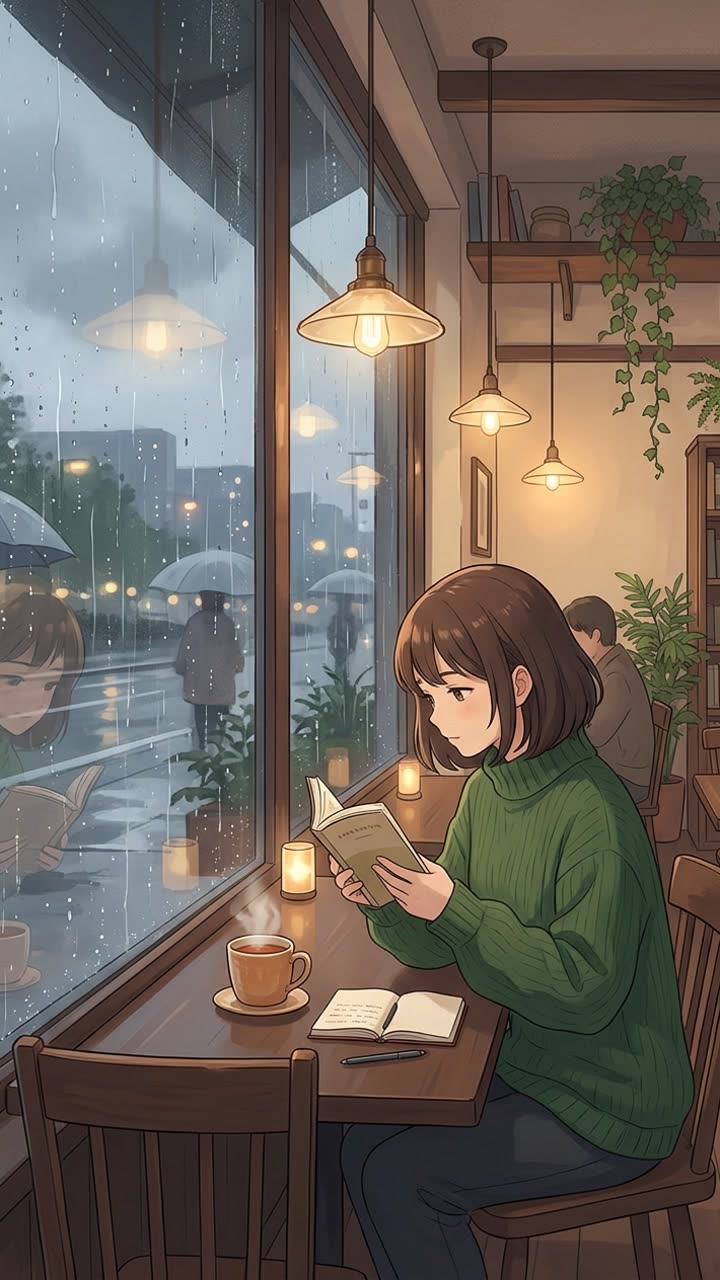 Café first frame input
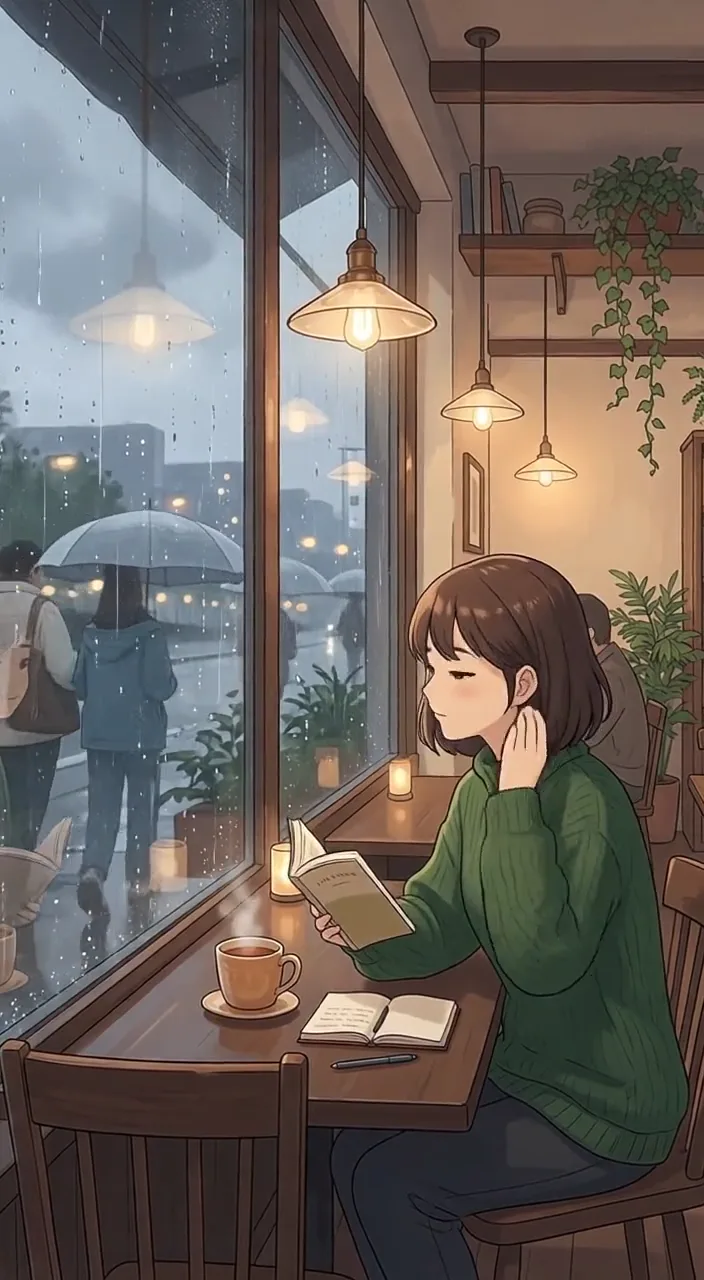 Café clip at 2.5 s
3. Why a calm landscape shot stayed gentle even with a long prompt
We kept our 10-second lavender-and-windmill run (720p, 32 s wait) in our examples specifically as an honest case of weaker motion. Even with clouds drifting, lavender swaying, windmill blades turning, and a forward camera glide in the prompt, starting from a calm wide landscape frame yielded subtle movement only. When you want bolder motion from a still photo, narrow the frame around one primary moving subject and give the camera a stronger directional move.
Long clips vs short clips: how prompt needs change
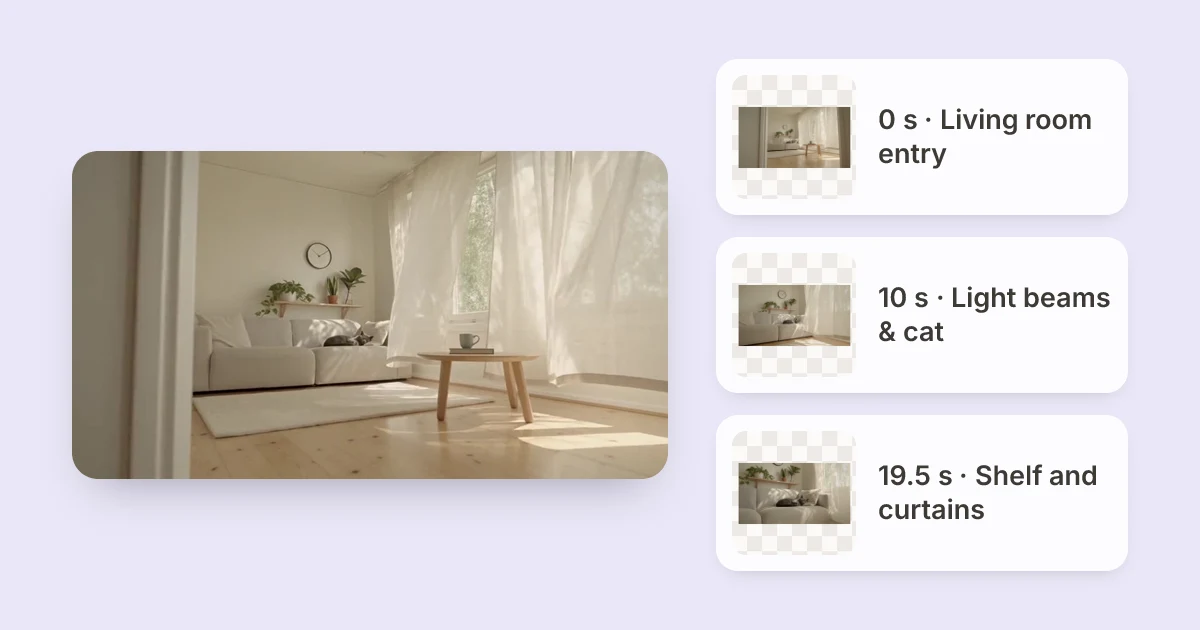
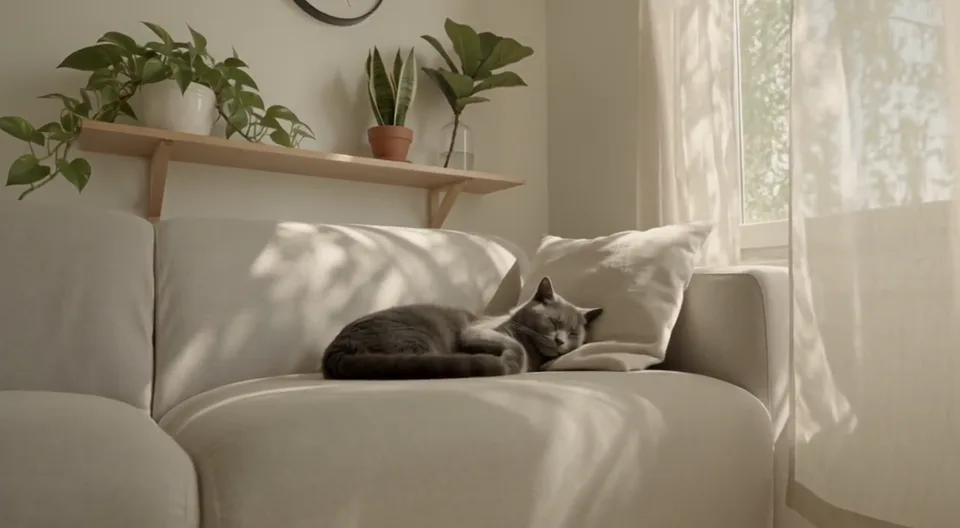
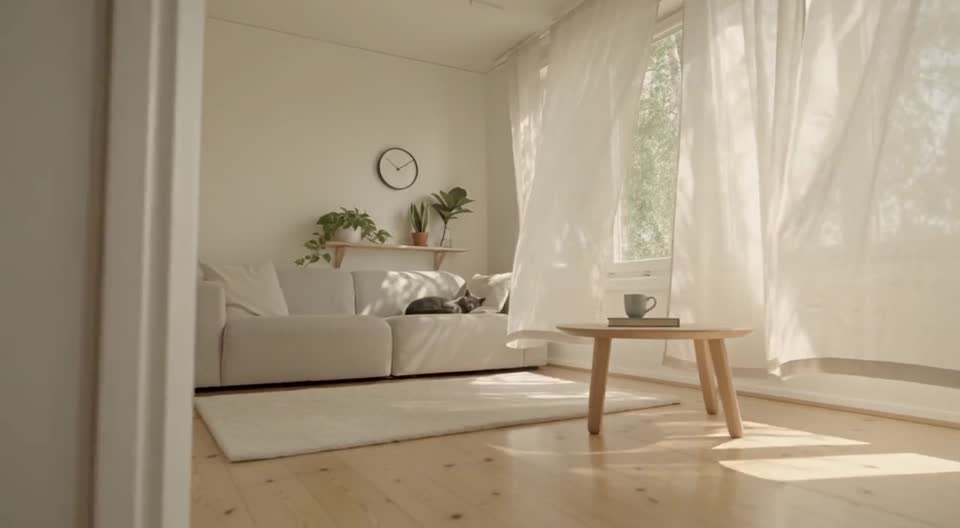
In our 20-second Scandinavian living room shot (720p, 100 s wait) and 15-second floating island flight (720p, 104 s wait), a 15 to 20 second clip needs a clear spatial destination so the middle ten seconds do not wander:
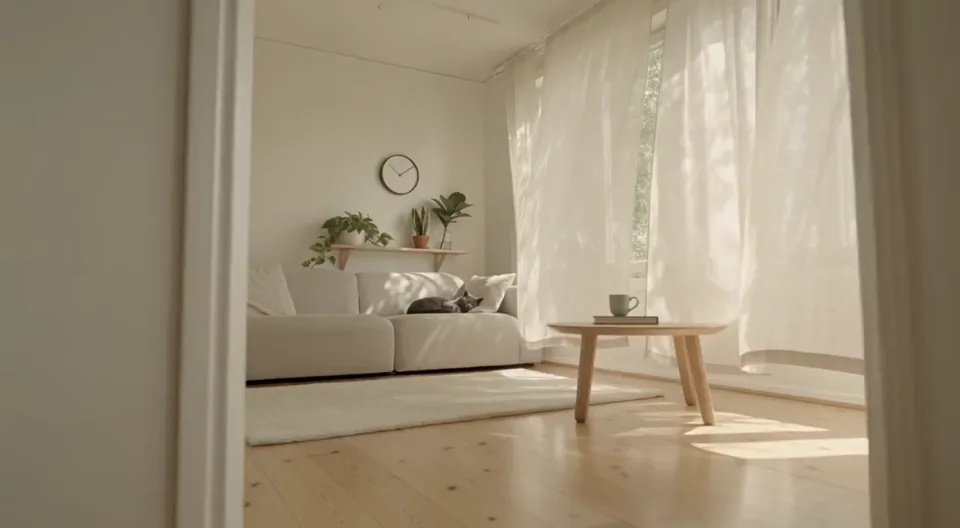
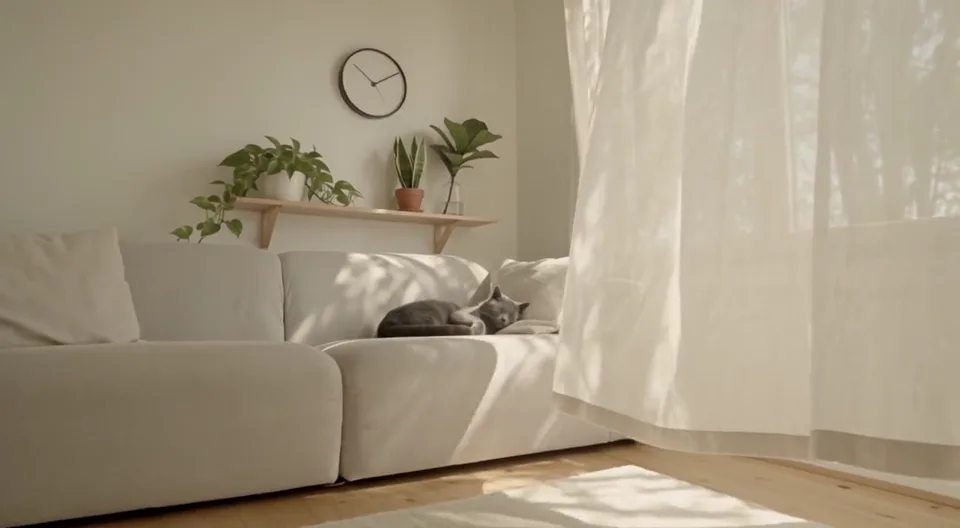
In the floating island shot, giving the camera an explicit endpoint (“the camera flies forward toward a crystal tower at golden hour”) kept the waterfalls and glowing fireflies coherent across all 15 seconds.
- One primary subject plus 2 to 4 distinct physical motions
- Clear camera verb (slow dolly, orbit, locked-off, aerial glide)
- Explicit sound cues in a short closing sentence
- Matching the prompt scope to 5 s vs 15-20 s duration
- Keyword soup (“8K ultra-detailed photorealistic masterpiece” - Max outputs 720p or 1080p anyway)
- Asking for exact small-prop counts (three requested stockings rendered as four in our fireplace clip)
- Leaving audio unmentioned when you actually want audible SFX or music
- Describing static details already visible in an Image-mode upload
Open the prompts library, click Use this prompt to load exact settings into the studio, and adjust one detail at a time.
FAQ
How long should a FLUX 3 Max prompt be?
One to three clear sentences is enough. Because FLUX 3 Max runs prompt expansion internally by default, concise sentences describing subject, motion, camera, and sound work better than long adjective lists.
Should I describe the uploaded image again in Image-to-video mode?
No. FLUX 3 Max already sees your uploaded starting frame, so repeating colors or clothing adds little. Focus your words on what moves, how the camera travels, and what sound accompanies the motion.
Why did my first sneaker or café prompt barely move?
Prompts that describe an object’s appearance without naming specific physical actions or a camera path often return very gentle movement. Naming two or three distinct motions plus a camera move (such as an orbit or dolly) fixes this on a rerun.
Can I copy the exact prompts from Flux3Max?
Yes. Every example on our prompts and examples pages has a Use this prompt button that loads the exact words, duration, aspect ratio, and frames into the studio so you can tweak and run it.