
How to Animate an Illustration or Logo From One Image
Animate flat artwork from a single frame in FLUX 3 Max using our tested illustration and sketch clips - plus honest notes where we have no logo test.
On this page5 sections
To animate flat artwork or an illustration from one image in FLUX 3 Max, upload the artwork to Image mode (PNG, JPG, or WebP up to 20 MB), keep Ratio on Auto, and describe specific secondary motions (particles, light sweeps, character gestures, or camera drift) rather than re-describing the artwork. Note: We tested illustrated cards, anime stills, and sketches in our library, and we have not run a company logo animation test - so treat logo results as untested here.
What we actually tested (and what we did not)
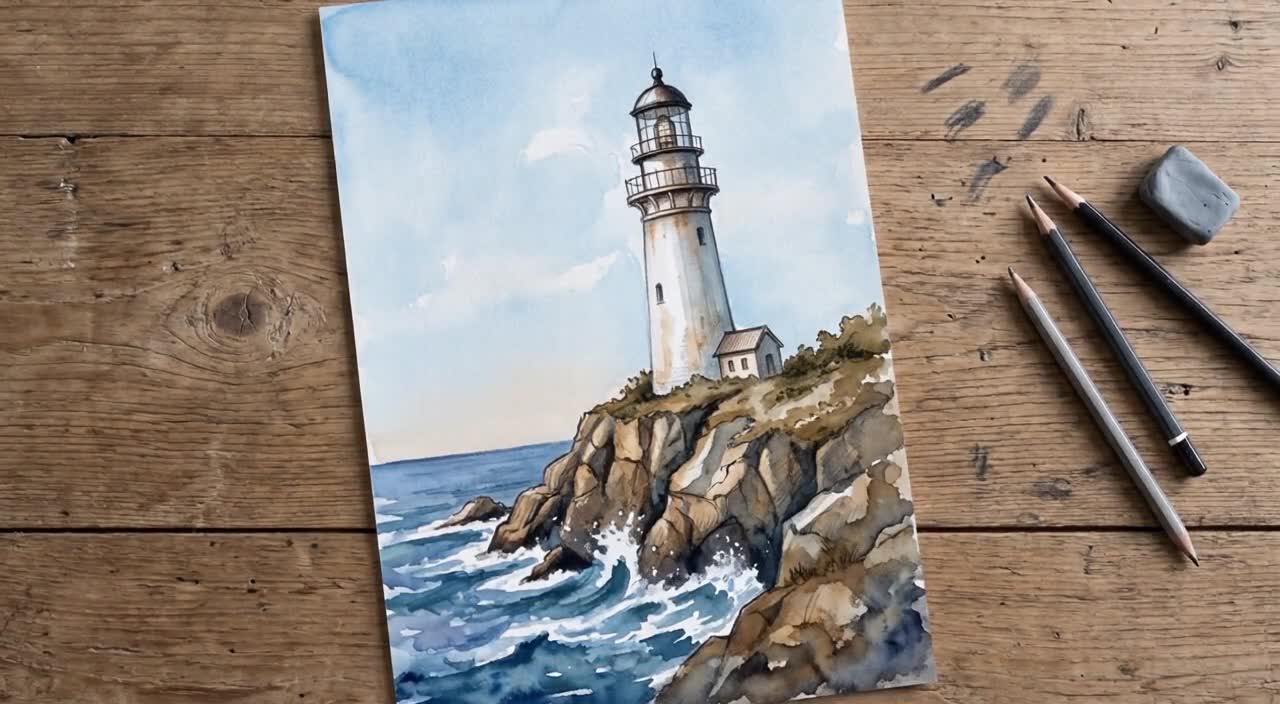
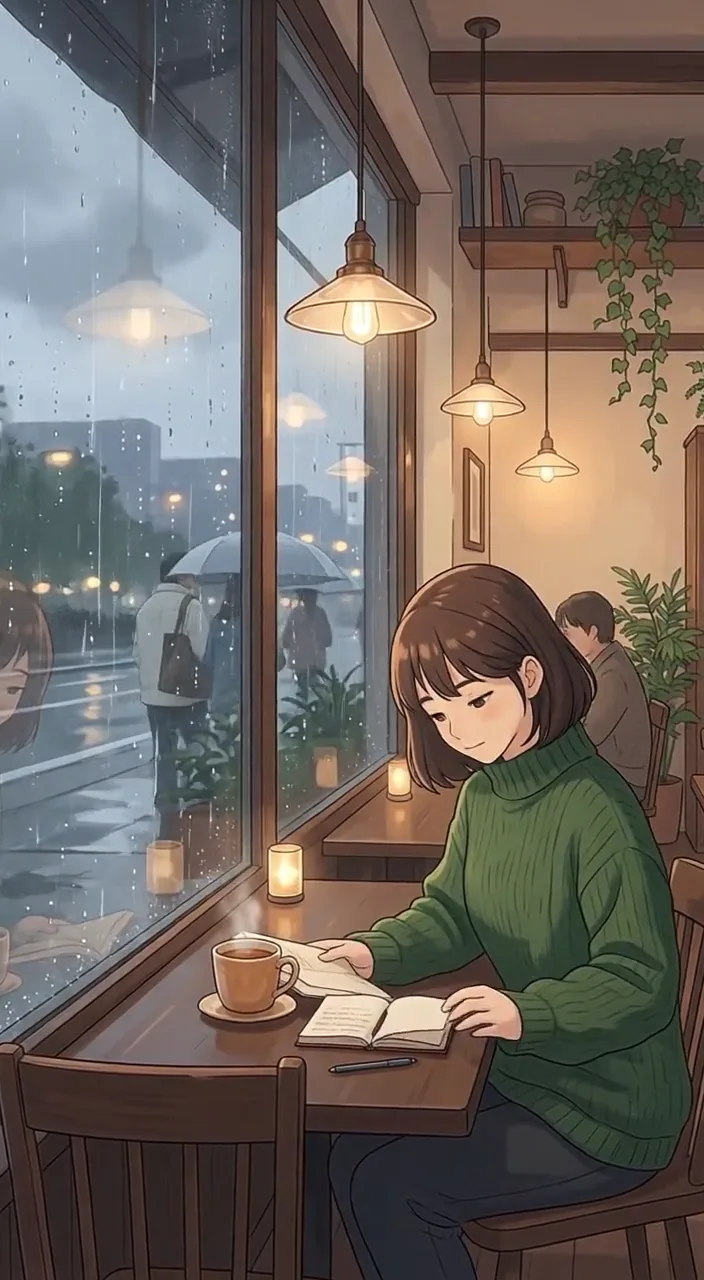
Every visual claim in this guide comes from three artwork-based clips in our examples library: our rainy café illustration, painterly winter fox card, and pencil-to-watercolor lighthouse transition. Because we have no logo animation test in our library, we do not show a fake logo example or claim exact brand-mark retention.

How single-image illustration animation behaves
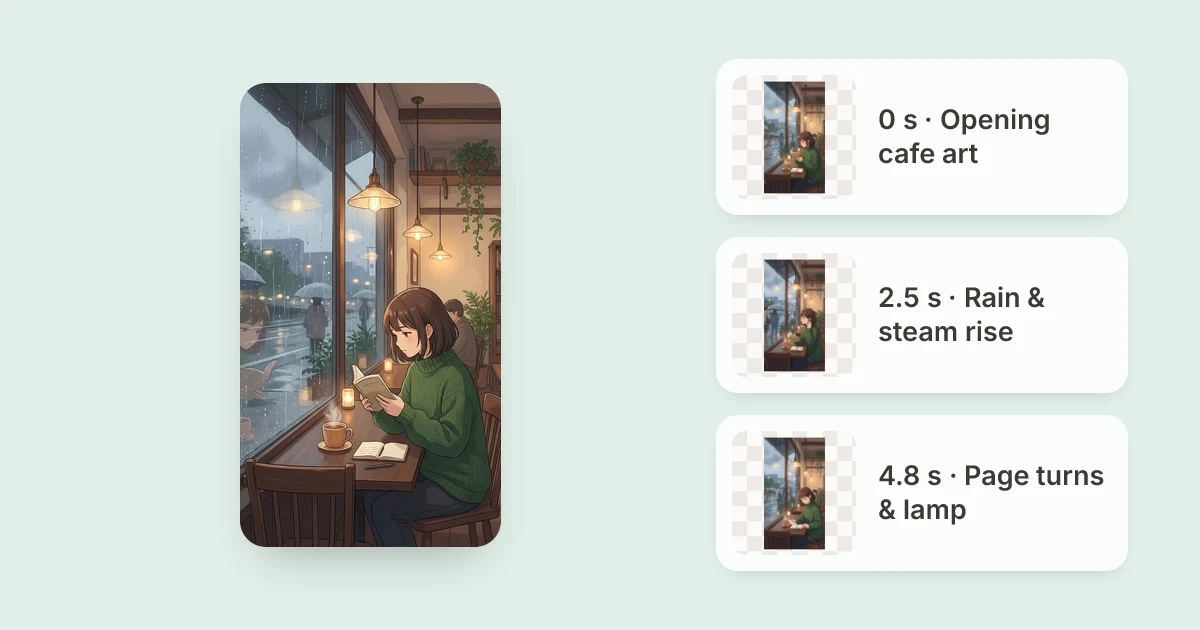
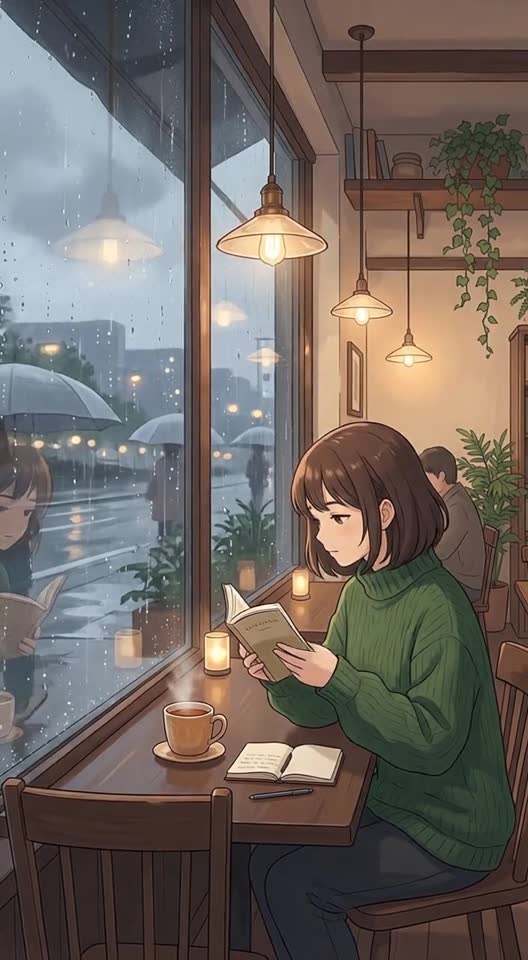
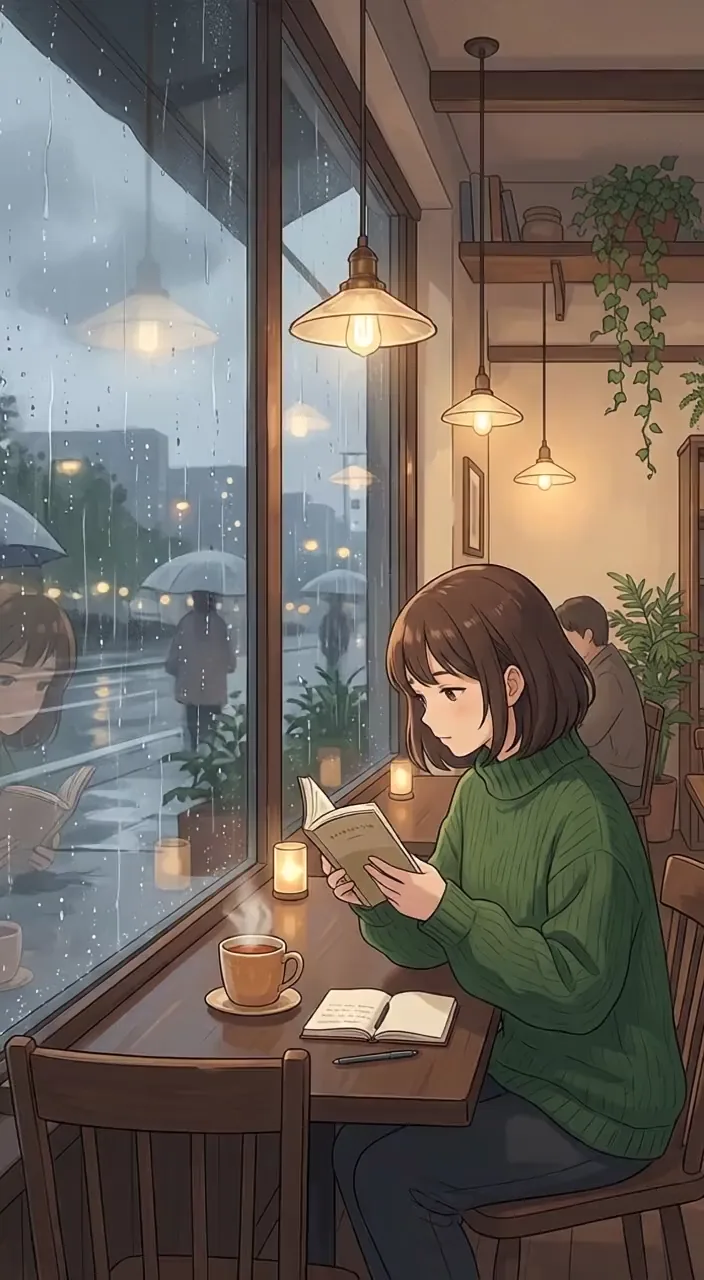
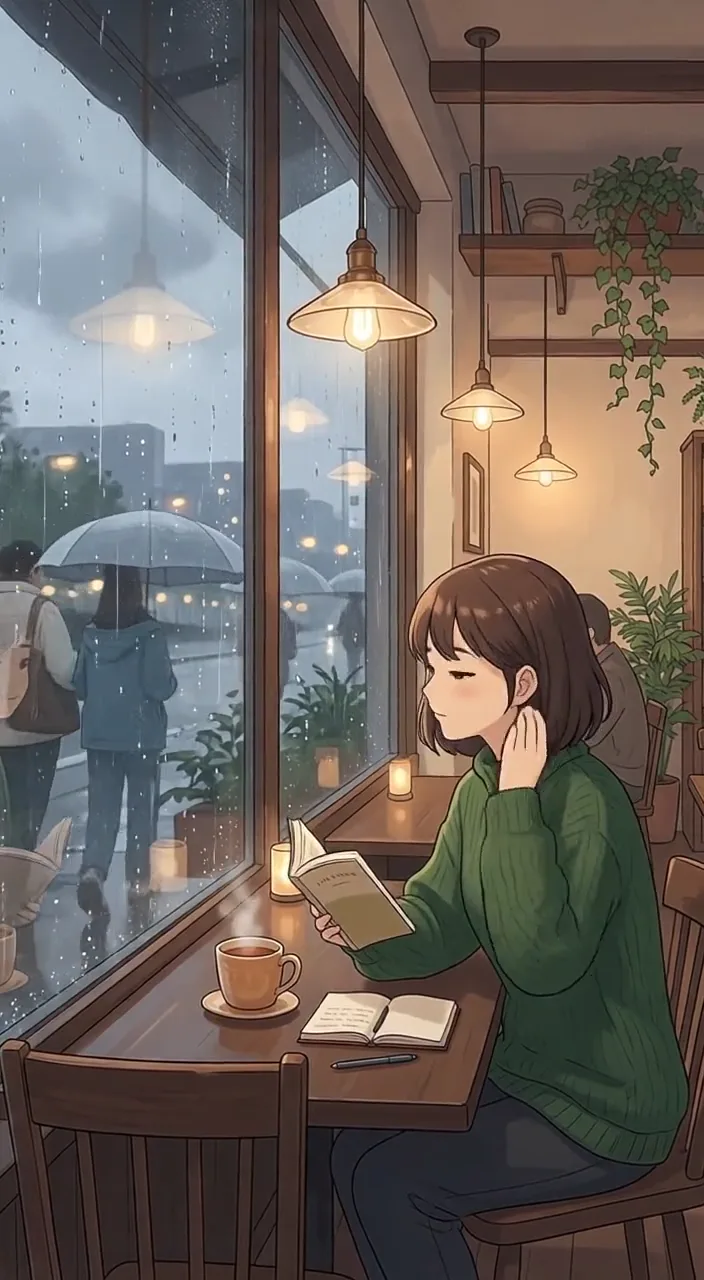
In both our anime cafe test and our winter fox card, the starting picture was a flat 2D illustration - not a live-action photograph. Look at how prompting specific small motions kept the art style intact:
Case 1: Café illustration
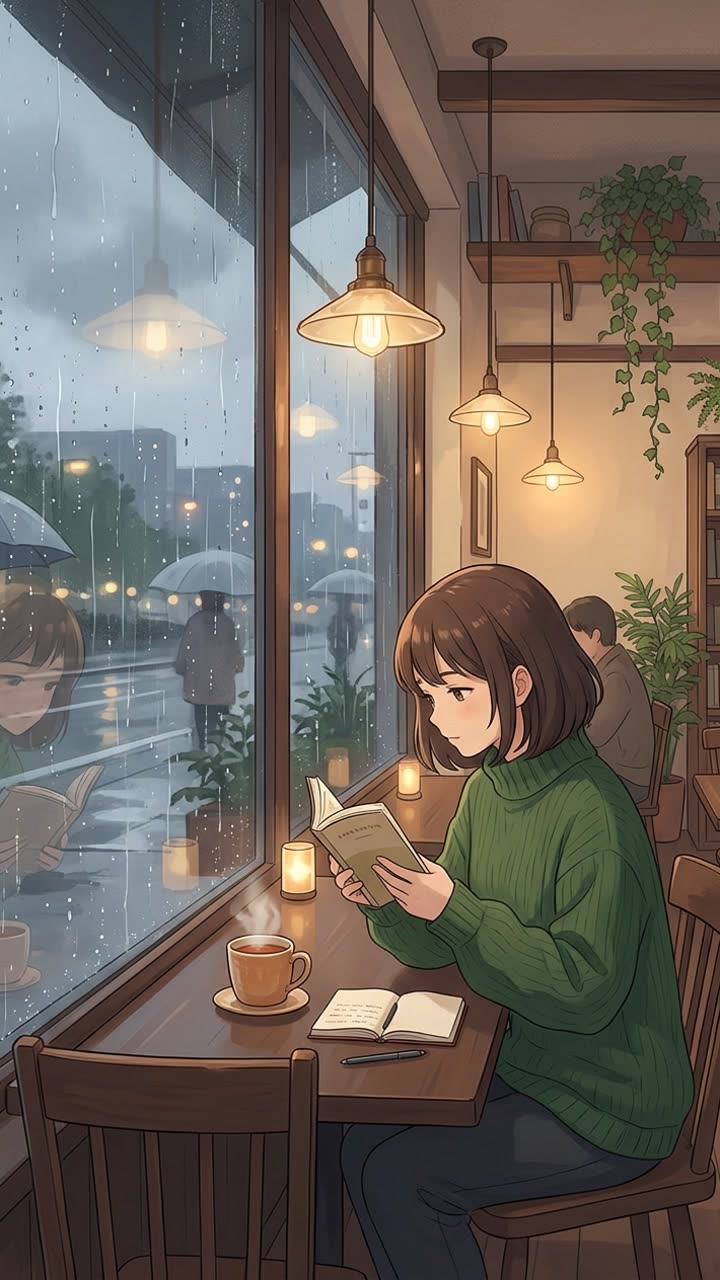
On our first run with the rainy café window illustration, a short general prompt barely moved the image. On run 2 (5 s, 9:16, 17 s wait), listing five concrete actions fixed it:
Raindrops race down the cafe window glass, steam swirls up from the tea cup, the girl looks up from her book, tucks her hair behind her ear and turns the page, an umbrella passes outside and the lamp light flickers. Rain on glass, lo-fi piano and the clink of a cup.
Because the prompt focused on motion layers (raindrops, steam, hair and page, umbrella, lamp flicker) instead of re-describing the room, the anime shading stayed consistent across all 120 frames.
Case 2: Painterly holiday card
From a vertical fox forest card illustration (6 s, 720p, 9:16, 24 s wait):
Snow begins falling gently in the pine forest, the stars twinkle in the night sky, the red fox turns its head and a tiny puff of warm breath shows in the cold air, gentle parallax motion. Soft winter chimes and gentle wind.
Adding “gentle parallax motion” gave the 2D painted pines slight depth without breaking the brush texture.
1How to prepare an illustration or logo image before animating
If you want to test animating an illustrated emblem, icon card, or piece of flat artwork on FLUX 3 Max, follow these four steps:
- Export a clean, high-contrast still (no transparency needed)Video outputs have solid frames, so place an emblem or mark onto your chosen dark or light background first as a PNG, JPG, or WebP (under 20 MB) rather than uploading a bare cutout on black.
- Leave generous margins around the artworkPutting a logo or character right against the image border leaves nowhere for subtle camera drift or glow effects.
- Keep Ratio on AutoIn Image mode, Auto locks output framing to your uploaded artwork’s aspect ratio.
- Prompt light, particles, or gentle camera push - not wild shape morphsFor strict marks, ask for a subtle rim light sweep, rising mist, or a slow push-in; for full sketch-to-color reveals, pair a matching start sketch and painted finish in First & Last Frame mode.
Honest expectations: AI video vs motion graphics for logos
- Bringing illustrated posters, greeting cards, anime frames, and painted scenes to life
- Adding ambient motion (rain, snow, smoke, light flicker, subtle parallax) plus matching sound
- Animating a drawn sketch into a finished painting using First & Last Frame
- A client requires pixel-exact straight lines, clean kerning, and zero stroke wobble on a wordmark
- You need a transparent background alpha channel (MP4 video has no alpha transparency)
- You want exact easing curves, vector scale independence, or crisp 4K broadcast delivery
Upload your own illustration or load our rainy café window and painterly fox card prompts to test single-image animation with sound.

FAQ
Have you tested animating a company logo on FLUX 3 Max?
No. Our verified library includes animated illustrations (a rainy anime café scene and a winter fox card) and a pencil-to-watercolor drawing transition, but we have not run a company logo animation test.
Can FLUX 3 Max export an animated logo with a transparent background?
No. FLUX 3 Max outputs standard opaque MP4 video files (H.264 + AAC at 24 fps). If you need a transparent overlay, composite on a matching solid backdrop or use vector/After Effects motion graphics.
Why did my first illustration prompt barely move?
Prompts that describe what is already drawn rather than listing concrete movements often come back almost static. Name 2 to 4 specific moving elements (such as falling snow, flickering lamp light, or a gentle camera push-in).
Should I use Text mode or Image mode to animate existing artwork?
Always use Image mode (or First & Last Frame mode if you have both a starting sketch and finished colored art). Text mode generates a fresh scene from words alone and will not reproduce your exact artwork.