
How to Make a Matching Last Frame for AI Video
Learn how to prepare a matching first and last frame using image editing, locked camera angles, and consistent lighting, with 6 tested FLUX 3 Max pairs.
On this page5 sections
The cleanest way to make a matching last frame is to edit a copy of your first frame - keeping the camera lens, horizon, and background geometry identical while changing only the target state. When two frames share the same geometry and aspect ratio, FLUX 3 Max animates the transformation cleanly instead of morphing the entire room or product.
Why mismatched frames break transitions
When you drop two images into the Image tab (first frame and optional Last frame slot), FLUX 3 Max has to invent every intermediate frame between them at 24 fps. If the camera shifts left between frame A and frame B, or if the focal length changes from 35 mm to 85 mm, the model spends half the clip warping walls and bending straight lines.
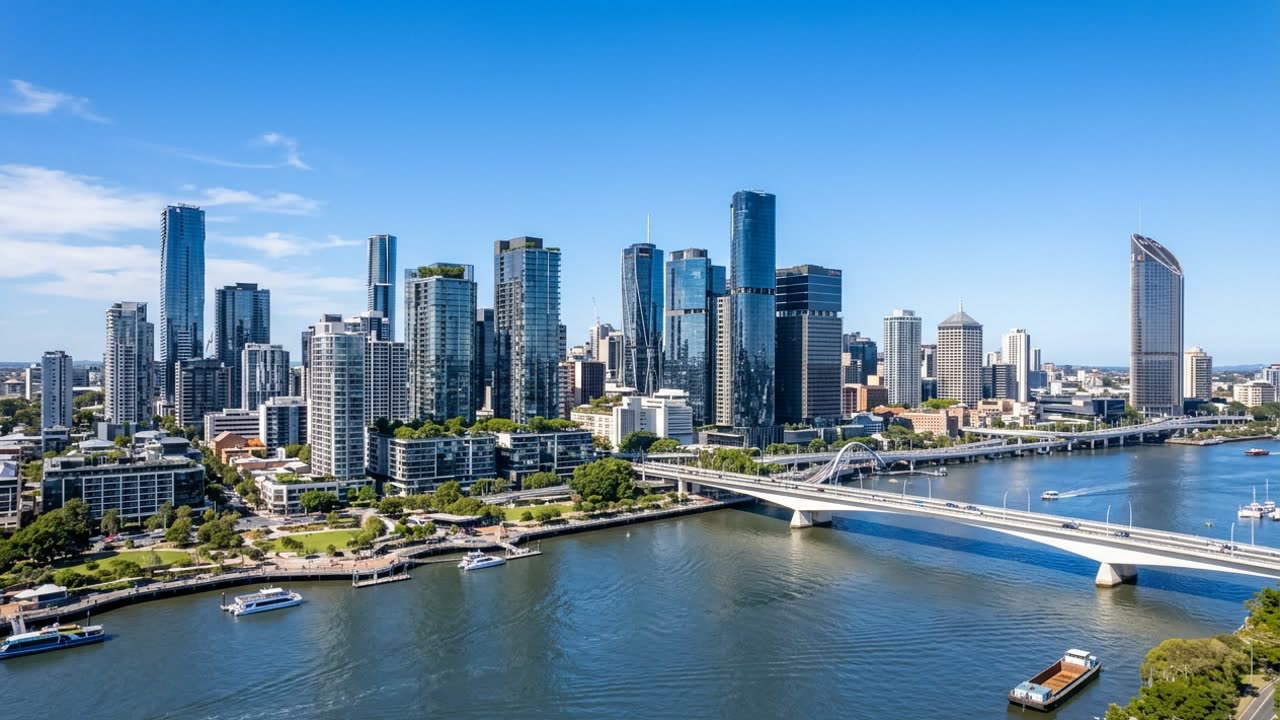
Across our six verified first-and-last frame runs (waterfront day-to-night, flower bloom, pencil sketch to watercolor, park portrait turn, skincare jar unboxing, and Christmas living room reveal), the transitions that held rock-solid shared three traits:
1How to build your matching frame pair
Follow these four steps whether you are editing a real product photograph or generating both frames with an AI image editor:
- Start with a clean, uncropped first frameLeave breathing room around the subject if anything will open, lift, or bloom (our skincare unboxing frame leaves pedestal space on the right for the removed lid).
- Edit the first image rather than re-rolling from textUse an image-editing tool or Photoshop layer adjustment to alter only what changes: paint the pencil lines into watercolor, open the jar lid, or add the lit tree in the empty living room corner.
- Export both frames at the exact same pixel aspect ratioKeep both files in JPEG, PNG, or WebP under 20 MB. With Ratio set to Auto, FLUX 3 Max follows the shape of your first frame.
- Write a bridge prompt focused on motion and soundDescribe what moves from start to finish and explicitly say “locked-off shot” or “camera holds still” when you want zero camera drift.
Three real frame pairs we tested on FLUX 3 Max
Notice how each of these three pairs holds background edges fixed while only the story element transforms:
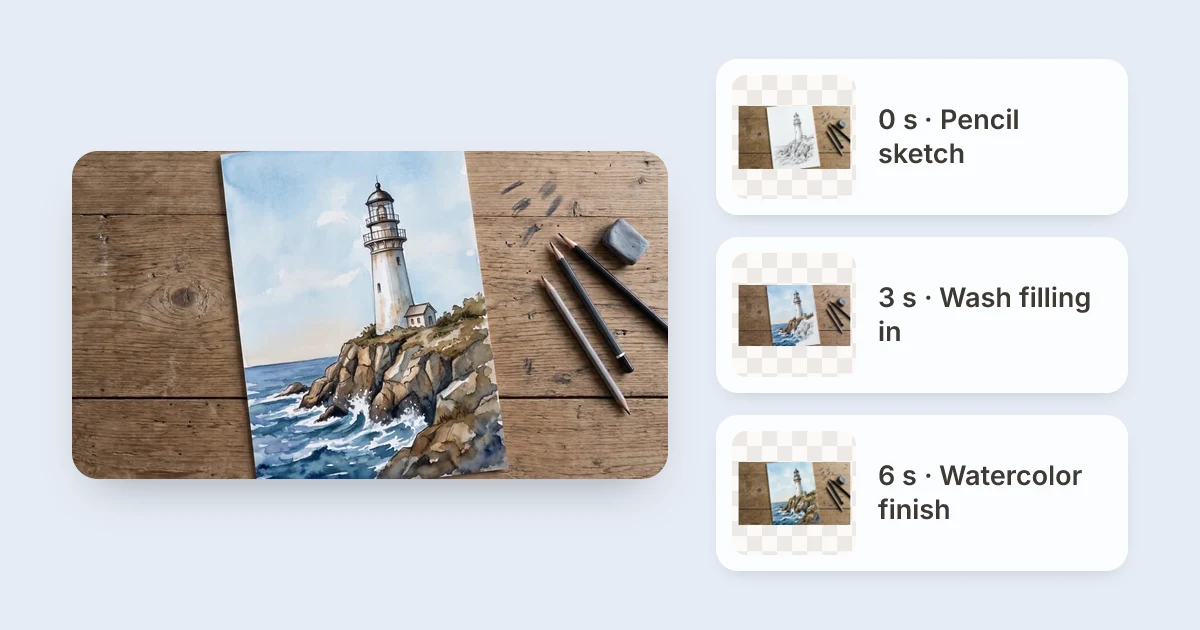
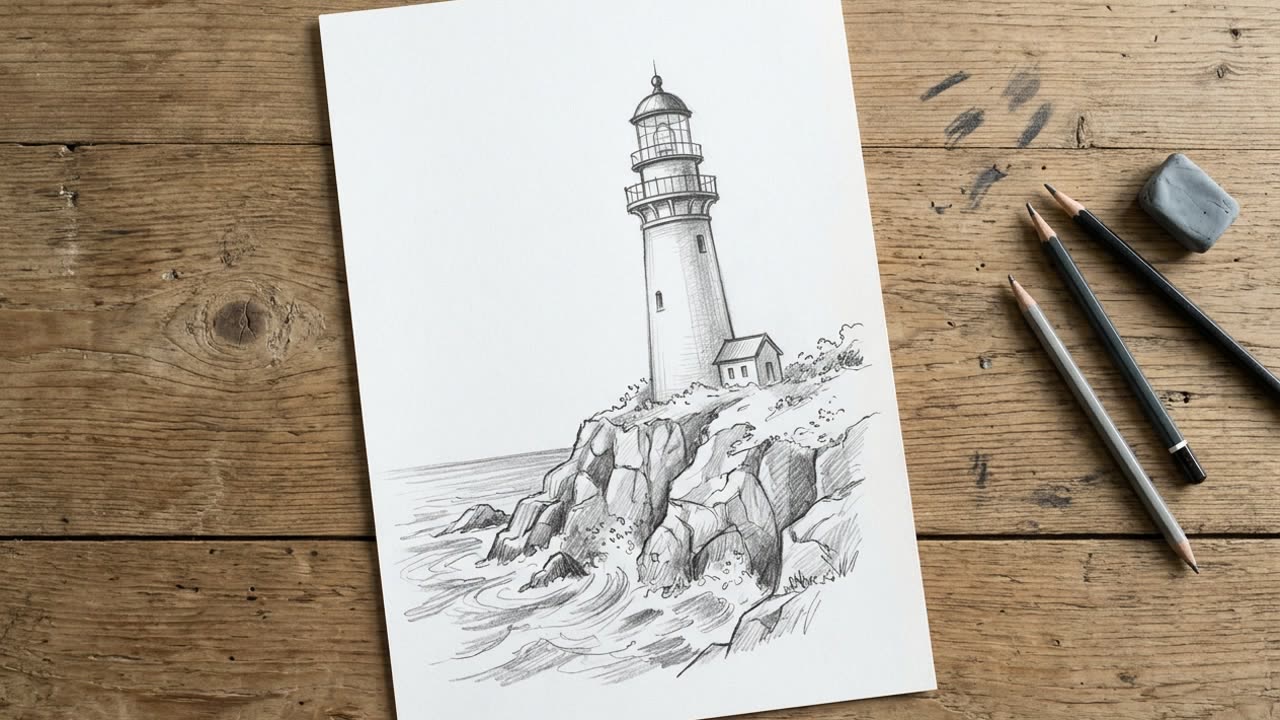
Sketch to watercolor lighthouse
In our 6-second watercolor test (720p, 26 s wait), the paper sheet, pencils, and wooden tabletop never move between the pencil sketch starting image and the painted ending image. Only the drawing inside the paper fills with watercolor washes.
First frame: pencil sketch on wooden desk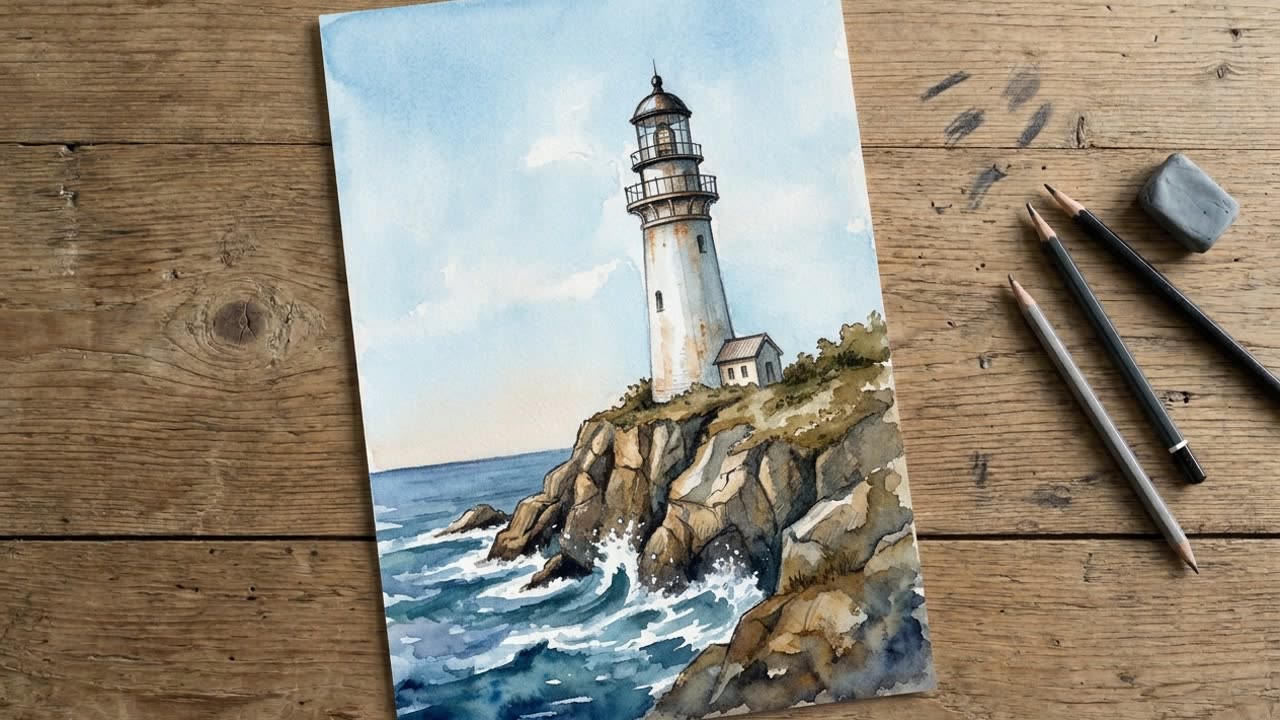 Last frame: finished watercolor lighthouse
Exact prompt we ran:
The pencil lines on the white paper fill in smoothly with watercolor washes, blue sky first, then sea and rocks, while the camera holds completely still over the desk. Crisp audible watercolor brush strokes swishing across textured paper, a brush tapping a ceramic water cup, and gentle acoustic guitar.
Closed jar to open swirl
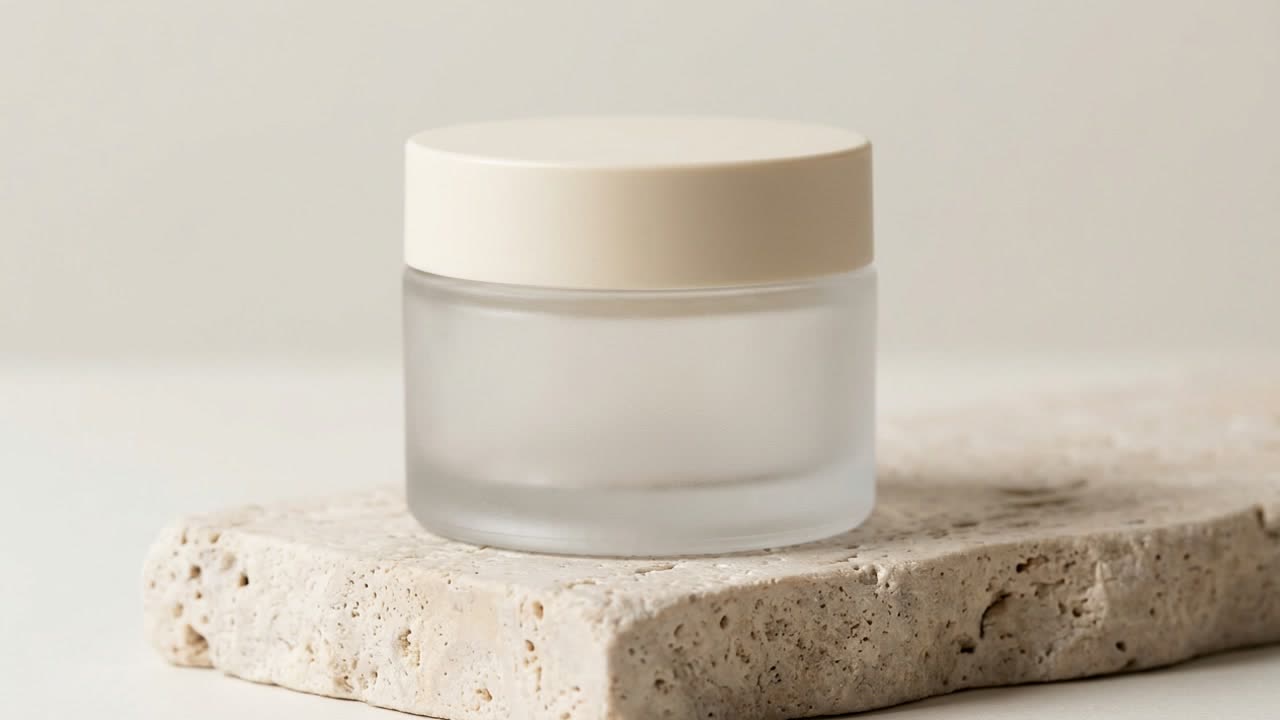
For our skincare unboxing run (5 s, 720p, 19 s wait), placing the removed matte lid beside the frosted jar in the ending photo gave FLUX 3 Max a concrete destination for where the lid should land.
First frame: closed frosted skincare jar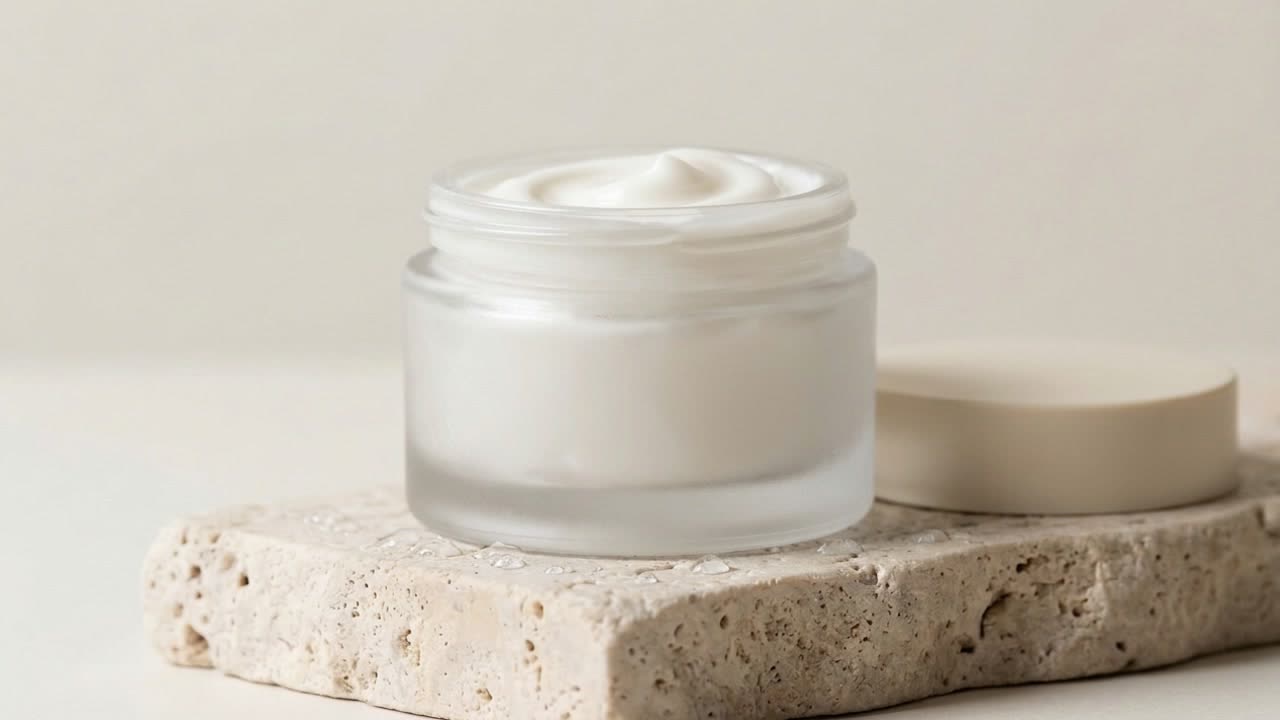 Last frame: opened jar with lid beside it
Looking up to wave
When animating a fictional person in a sunlit park (5 s, 720p, 39 s wait), keeping the background foliage and denim jacket identical between the starting and waving poses preserved facial consistency across the turn and wave. Note that on this particular run, the park audio came back very quiet (-44.4 dB mean), showing that quiet ambient cues do not always register loudly.
First & last frame vs keyframes: when two frames are enough
- The transition moves linearly from state A to state B (closed to open, empty to decorated, sketch to painting)
- You want a quick 5 to 8 second clip without preparing a middle image
- No hidden middle object needs to appear and vanish before the end
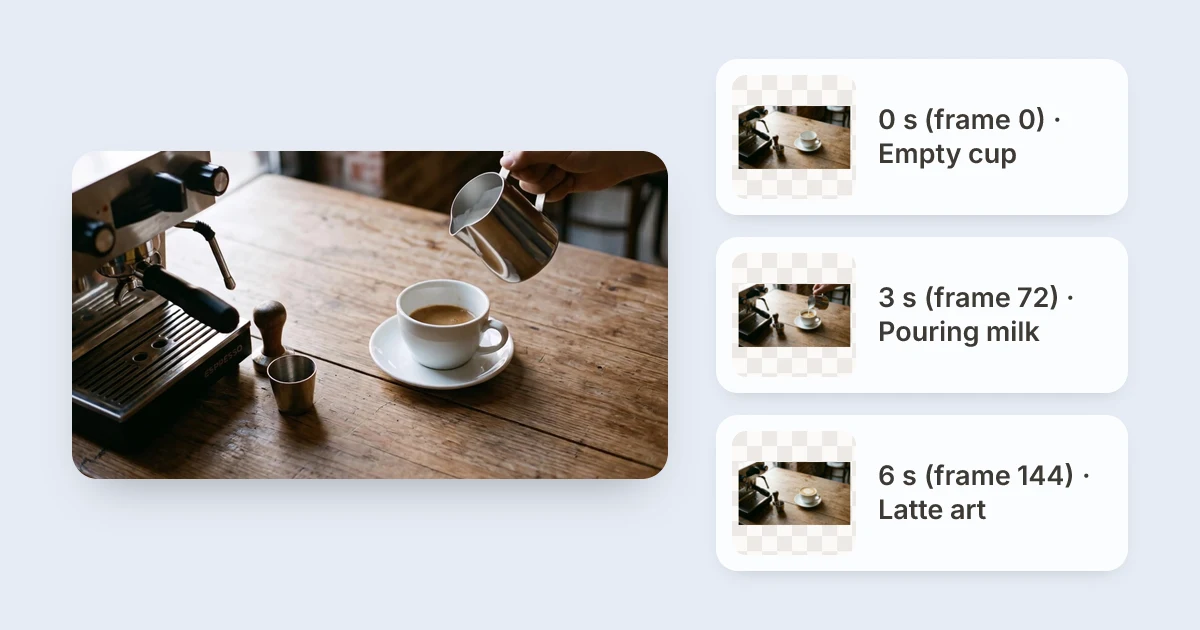
- A midpoint state matters (like midday to sunset to night on a skyline, or an intermediate milk pour before latte art)
- You are building an 8 to 20 second arc that would drift halfway without a middle anchor
- You want up to 10 beats pinned on a 24 fps timeline (see our keyframe timing guide)
Open the first-and-last frame page, load our sketch-to-watercolor or skincare-jar pair, or drop two matching frames of your own.
FAQ
Does the last frame have to be the exact same resolution as the first frame?
Exact pixel dimensions do not have to match, but keeping the exact same aspect ratio and framing matters a lot. With Ratio set to Auto, FLUX 3 Max locks the video shape to your first uploaded image.
What file formats can I upload for first and last frames?
You can upload JPEG (.jpg), PNG (.png), or WebP (.webp) files up to 20 MB per image. Both frames pass an automatic safety check before generation begins.
Can I move the camera between the first and last frame?
Yes, subtle camera motion works well if both frames share a consistent physical space - for example, the slow subtle push-in on our skincare unboxing clip. Large cuts or swapped lenses between frame A and frame B tend to distort mid-clip.
Why did my two-frame transition blur or morph in the middle?
Either the two frames had different camera angles and backgrounds, or the transformation needed a middle anchor. For three-stage changes (such as day to sunset to night), switch to Keyframes mode and pin a midpoint image.