
Keyframe Timing in AI Video: Seconds, Frames, Spacing
How to plan AI video keyframe timestamps at 24 fps: spacing beats, 0.5-second studio snapping, and what worked across our 3 FLUX 3 Max keyframe runs.
On this page4 sections
Good keyframe timing spaces visual milestones evenly enough that the model has at least 2 to 4 seconds to animate between each pinned frame at 24 fps. In FLUX 3 Max, every keyframe maps seconds to a 24 fps frame index, snaps in 0.5-second steps in our studio, and never accepts two images on the same timestamp.
How 24 fps keyframe indexing actually works
Under the hood, fal’s keyframes endpoint does not take raw timestamps - it takes a list of image-and-frame pairs running at 24 frames per second (rounding seconds multiplied by 24).
Our browser studio hides that math behind a timeline slider that snaps to 0.5-second steps (12 frames per step):
- 0 s -> frame 0
- 2.5 s -> frame 60
- 5 s -> frame 120
- 10 s -> frame 240 (for a 10-second clip)
Every frame position must be unique and sit between 0 and the clip length times 24. If you add a new image in the studio without dragging it, the timeline automatically places it in the middle of the widest open gap so it never lands on top of an existing keyframe. If you change the clip duration (say from 10 s to 20 s), existing markers rescale proportionally (5 s moves to 10 s) and nudge to the nearest free half-second.
What we pinned in our 3 verified keyframe clips
On November 4, 2026, we ran three 3-keyframe clips at 720p with sound on fal’s keyframes endpoint. Notice that each one uses the exact same rhythm: start at 0 s, midpoint state in the exact middle, and finished state on the final second.
| Scene | Duration & Cost | Keyframe 1 (0 s) | Keyframe 2 (Midpoint) | Keyframe 3 (End) | Wait time |
|---|---|---|---|---|---|
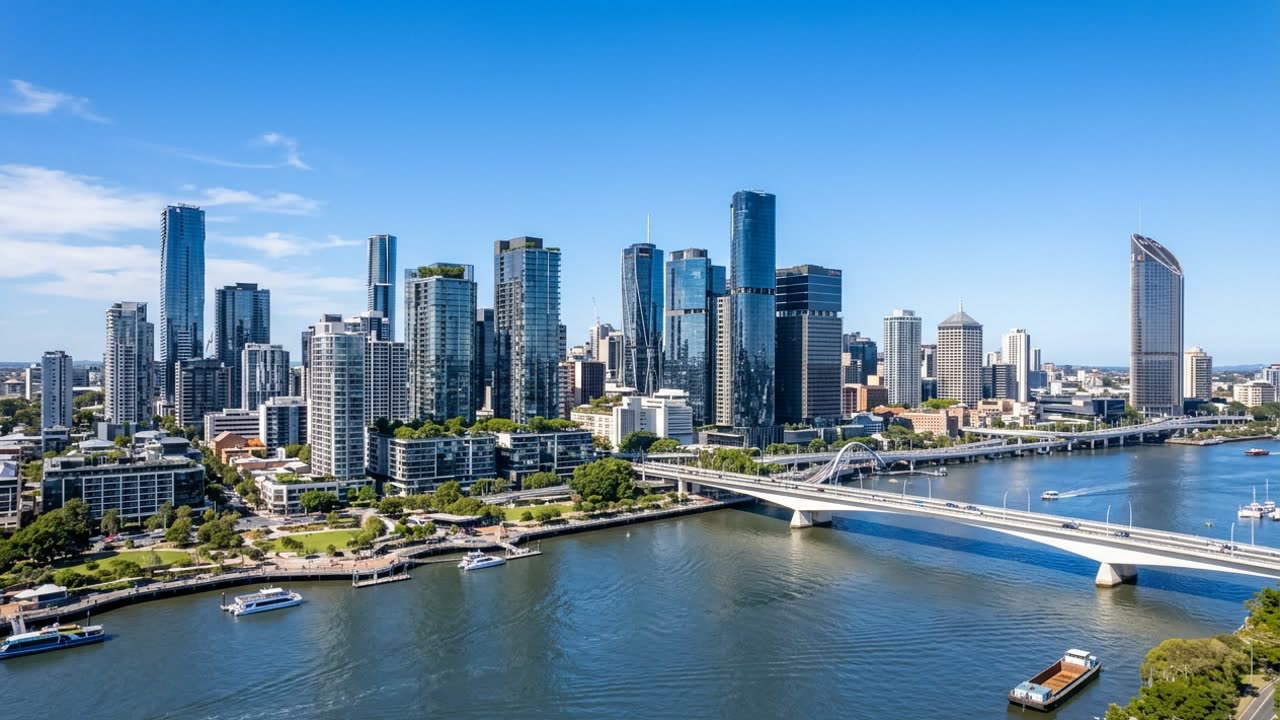
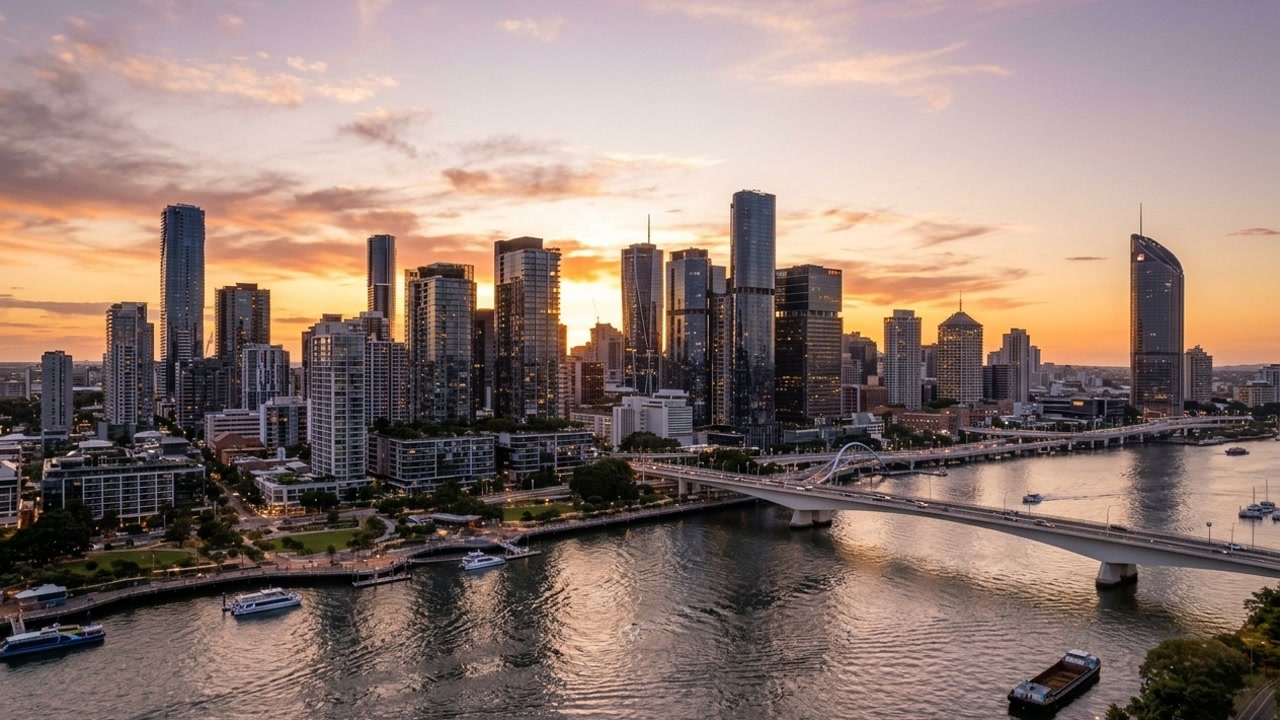
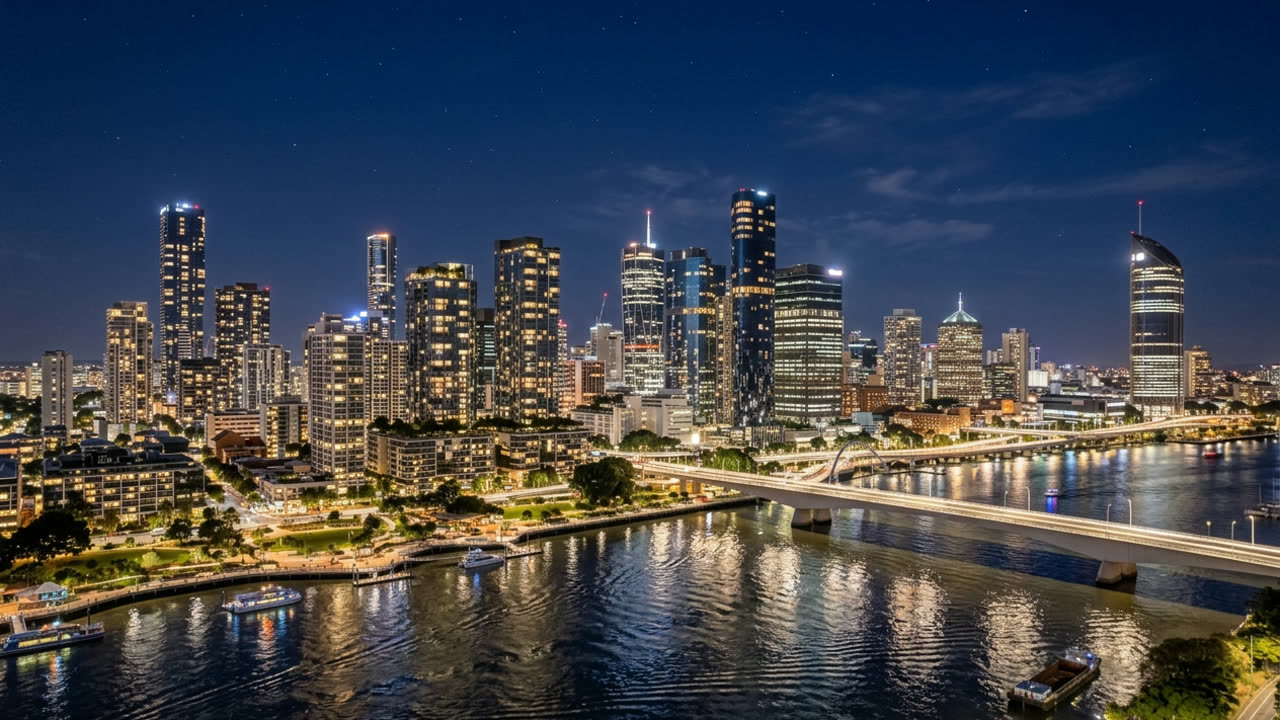
| Waterfront skyline transition | 10 s (360 cr) | 0 s (frame 0): Midday skyline | 5 s (frame 120): Sunset | 10 s (frame 240): Night lights | 115 s |
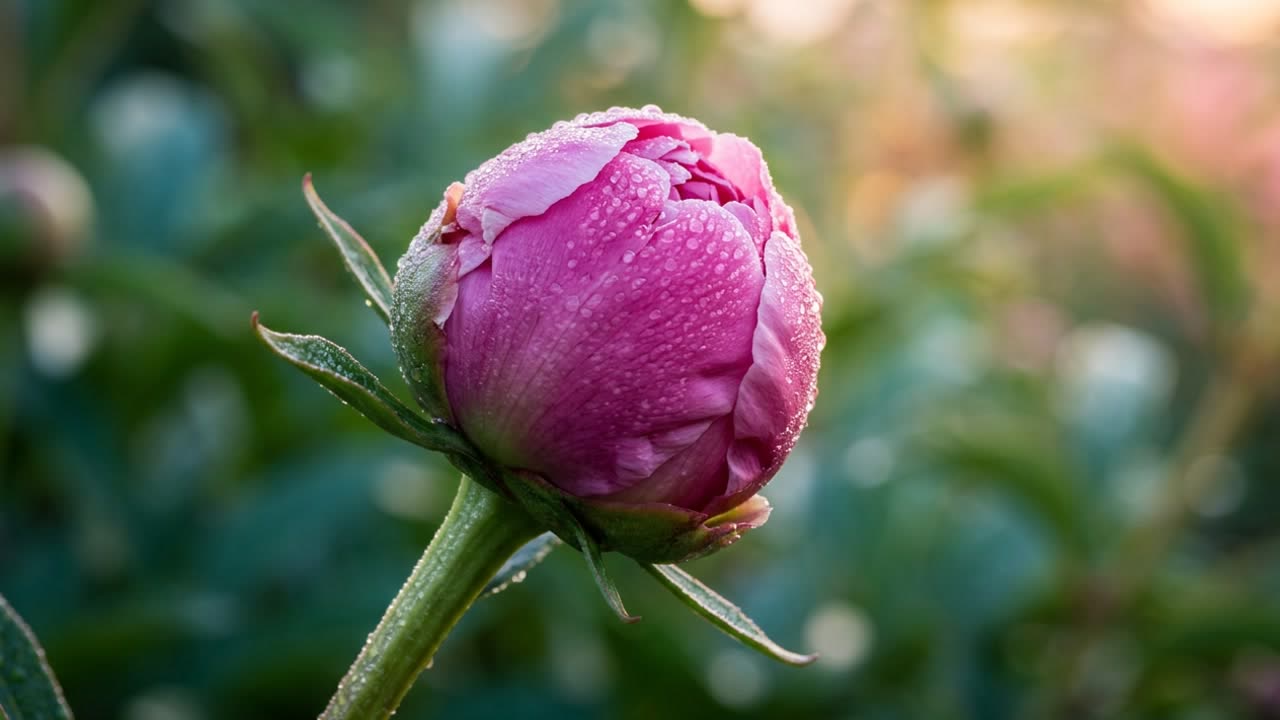
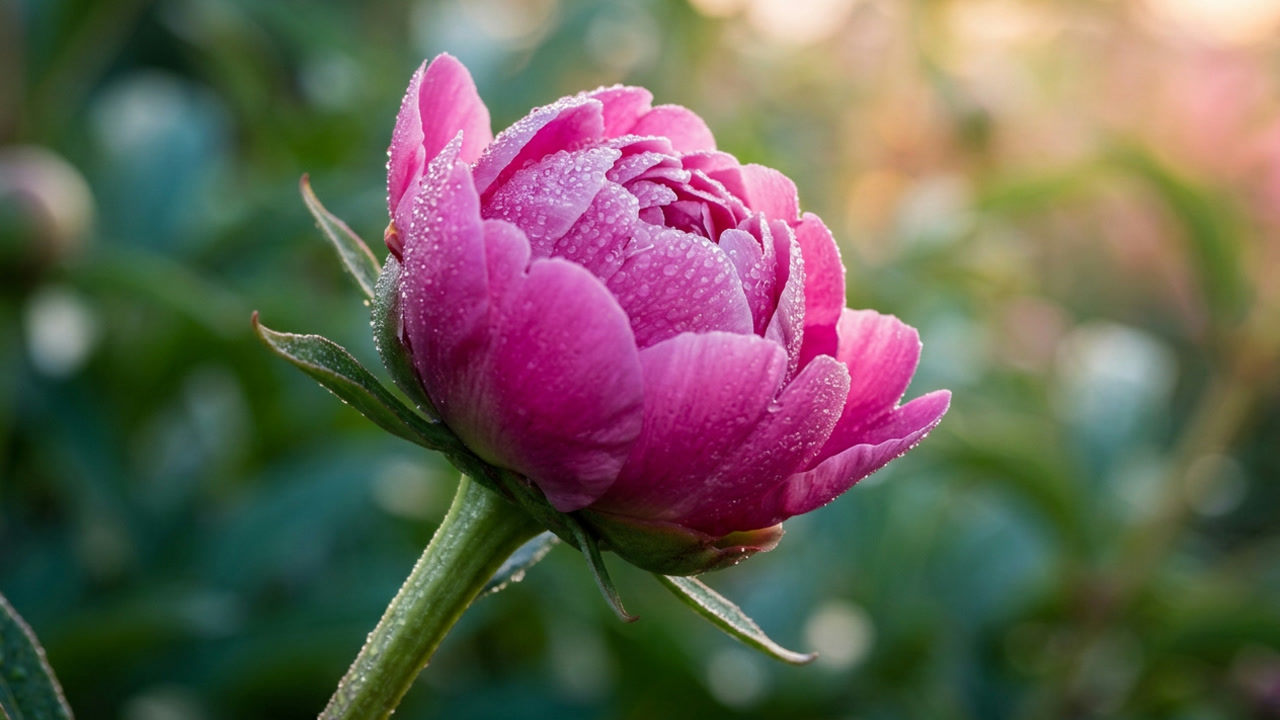
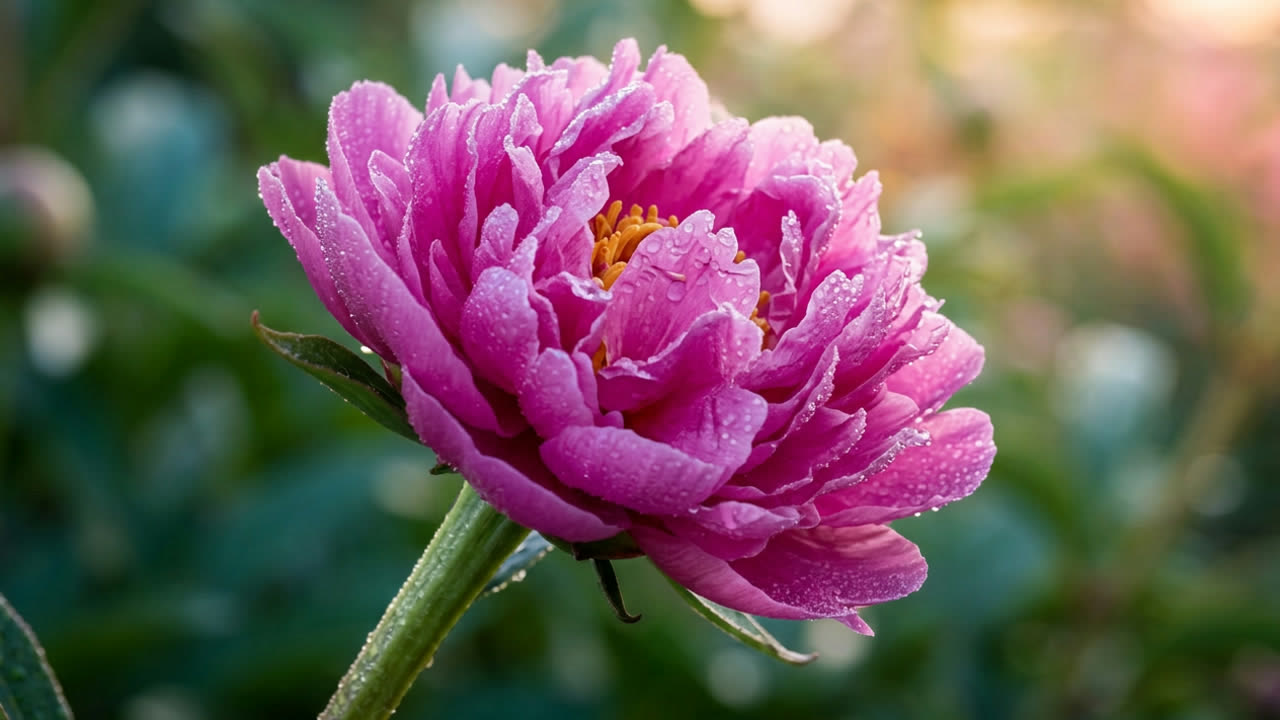
| Peony flower bloom | 8 s (288 cr) | 0 s (frame 0): Closed bud | 4 s (frame 96): Half open | 8 s (frame 192): Full bloom | 85 s |
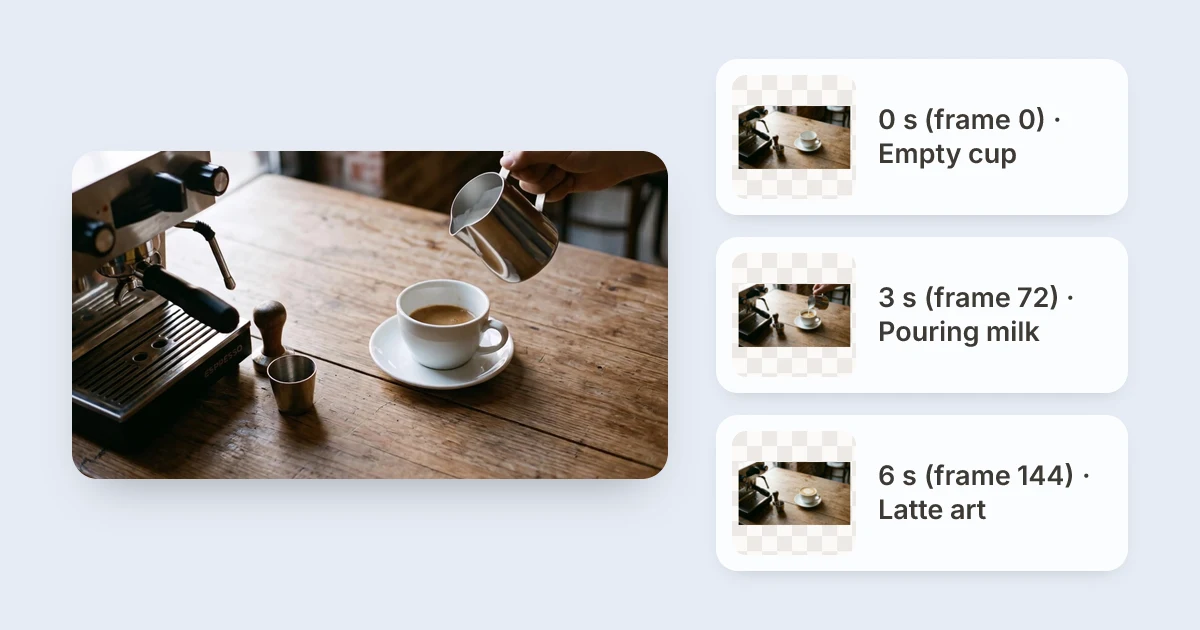
| Espresso to heart latte art | 6 s (216 cr) | 0 s (frame 0): Empty espresso cup | 3 s (frame 72): Pouring milk | 6 s (frame 144): Heart latte art | 62 s |
Why the midpoint frame matters
When you use only a midday waterfront frame and a night waterfront frame, the model invents the transition path. Adding a golden-hour sunset frame at 5 s forced the sky and river reflections to pass through warm gold before turning dark.
In our latte art clip, pinning the pouring jug at 3 s solved a different problem: the opening espresso cup frame has no milk pitcher in view, and the finished latte art frame has no pitcher either. Placing the pitcher in the midpoint keyframe gave the model the physical cause of the latte art instead of magically swirling foam out of nowhere.



Pacing a 3-stage bloom
In the 8-second peony bloom clip, four seconds separated each stage: closed bud (0 s), half-open petals (4 s), and full bloom (8 s). Because the camera stayed nearly locked (only a very slow push-in), the petals unfolded steadily without jumping between angles.
Spacing guidelines for 5 s to 20 s timelines
How many keyframes should you actually place? More frames give tighter trajectory control, but crowding frames too close together forces abrupt visual morphs.
- 5 to 6 s clips: 2 or 3 keyframes (0 s, 2.5-3 s, 5-6 s) for one clear state change.
- 8 to 10 s clips: 3 or 4 keyframes spaced 2.5 to 4 s apart for multi-stage arcs like day-sunset-night.
- 15 to 20 s clips: 4 to 8 keyframes spaced 2.5 to 5 s apart so motion stays smooth between beats.
- Placing two unrelated compositions 0.5 s or 1 s apart (only 12-24 frames to morph).
- Dropping a mid-clip keyframe with a sudden camera rotation or focal-length jump.
- Writing a prompt that ignores the intermediate frame’s action (like forgetting to mention the milk jug).
Open the dedicated Keyframes tool, drop 2 to 10 frames onto the 0.5-second timeline, and test a 6 to 10 second transition with sound.
FAQ
How does FLUX 3 Max convert seconds to frame index?
It multiplies your timestamp (measured as seconds) by 24 and rounds to the nearest whole number because FLUX 3 Max outputs 24 fps video. In our studio, timeline markers snap to 0.5-second increments (multiples of 12 frames).
How many keyframes can I use in one clip?
In the Flux3Max.io studio Keyframes tab, you can place between 2 and 10 images (JPEG, PNG, or WebP, up to 20 MB each). Over fal’s raw keyframes API, the valid range is 1 to 10 keyframes.
What happens if I change clip length after placing keyframes?
The studio rescales every keyframe proportionally to keep each image at the same relative position in the clip, moving any colliding markers to the nearest free 0.5-second slot.
Should I always place a keyframe at 0 seconds and at the final second?
For most reveals and time-lapses, yes - pinning 0 s and the end timestamp locks both your opening composition and final frame. You can also leave the end unpinned (e.g., 0 s and 4 s in an 8 s clip) if you want the model to improvise the closing seconds.